3-101
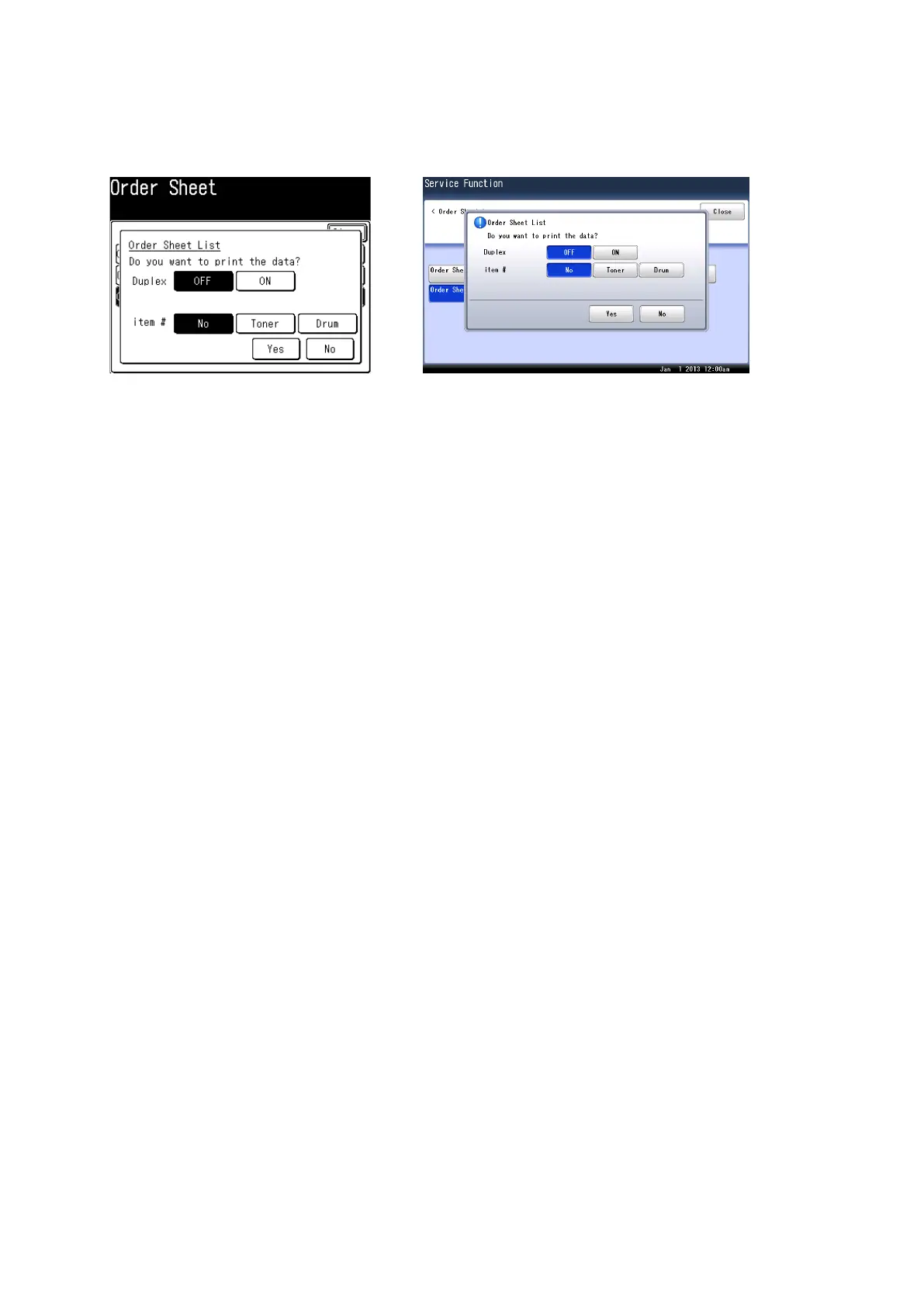
3.17.3 Print consumable order sheet
To check the information has been registered correctly, print the consumable order sheet.
1. Press <Mode>, <*>, <1>, <5>.
2. Select [Order Sheet List].
3. Select settings, and press [Yes].
3.18 DRAM clear
This clears the image storage memory.
1. Press <Mode>, <*>, <1>, <6>.
2. Press [Yes].










 To Next Page