5-86
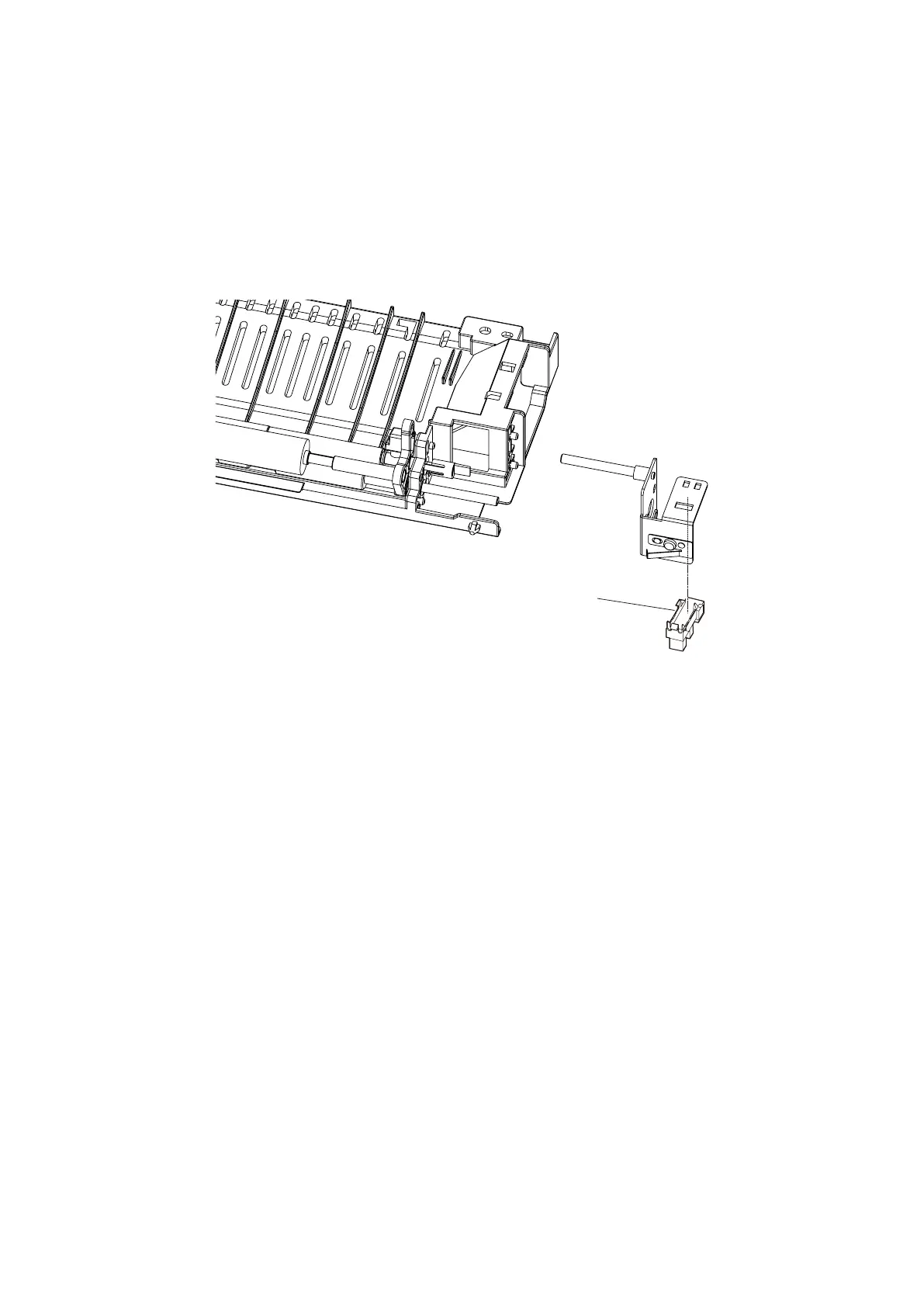
SENSOR HP (MFX-3595)
1. Remove the Exit assy. (See “EXIT ASSY” on page 5-63.)
2. Remove the Guide lower exit. (See “SENSOR PDS/SWBS” on page 5-64.)
3. Remove one screw, then remove Bracket Gear Decarl. (See “ROLLER EXIT DECARL / ROLLER
SPONGE DECARL” on page 5-66)
4. Remove Gear 20 0.8 [5] and Bearing D4 6 [6] on the back side. (See “ROLLER EXIT DECARL / ROLLER
SPONGE DECARL” on page 5-66)
5. Remove two screws and remove Bracket Shaft Guide H Decarl.
6. Remove the SENSOR HP [1].
* There are hooks on the short side (1 place) and the long side (2 places) on the sensor.
After releasing the hook on the short side, slide the sensor to the short side and remove it.
[
1
]










 To Next Page