5-105
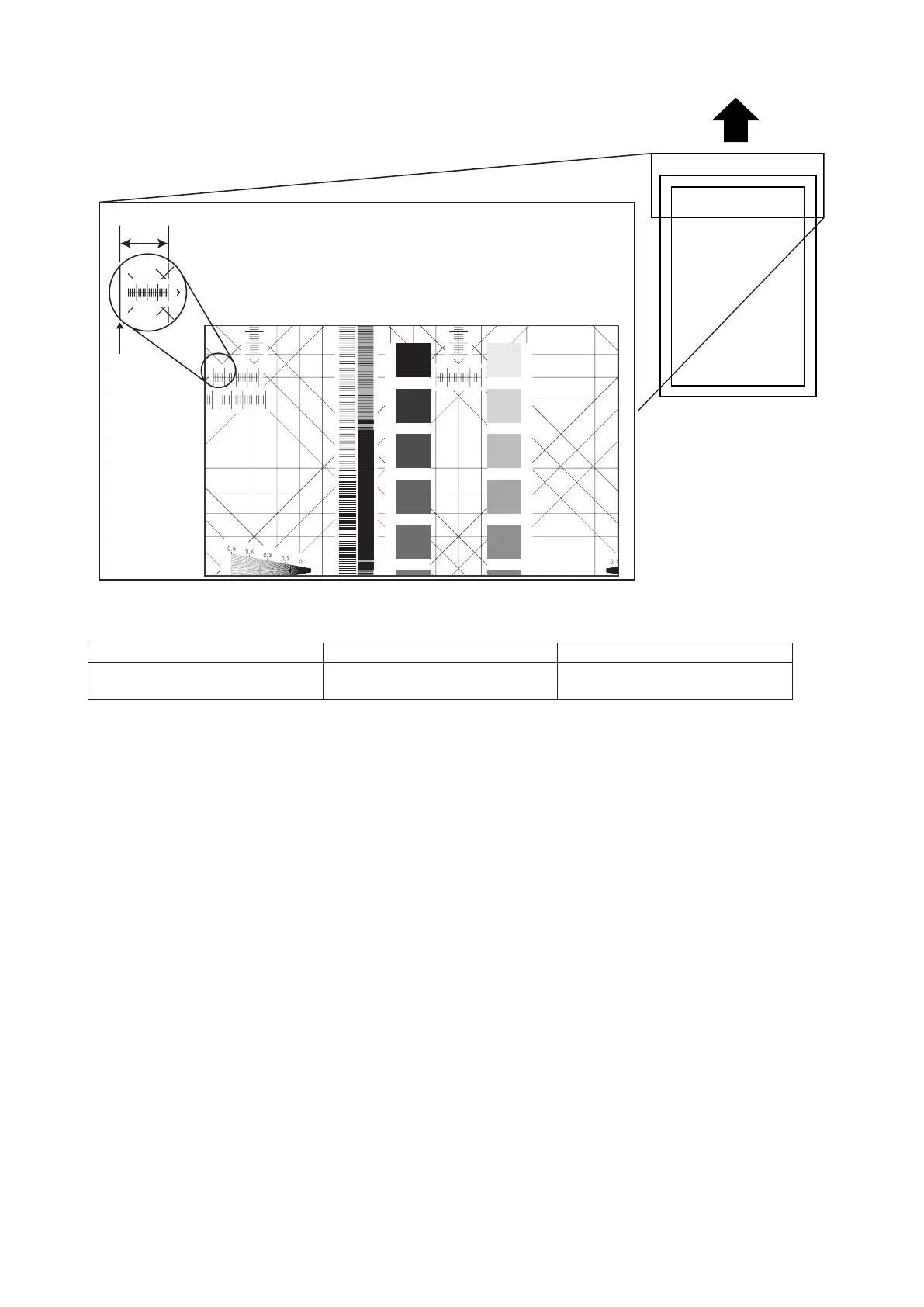
FBS registration (side)
1.401.251.000.750.55
0.300.250.200.150.10
Test Chart
A
Edge of
the paper
Note: This adjustment must be made after the adjustments of printer registration (top and side) of the first cassette and FBS
zoom adjustments (vertical and horizontal) have been made.
Standard Adjustment Tool Setting Range
0 ± 2.6 (mm) Machine parameter:040
– 5.2925 ~ 5.2925 (mm)
(0.2112 mm step)
1. Load Letter paper to the 1st cassette.
2. Place a Test Chart on the document glass.
3. Make a copy of it in the first cassette with 100 % magnification.
4. Check that the difference of width A and the copy of A (A’) meets the specifications.
If the difference falls outside the specified range, perform the following steps to make the adjustment.
5. Enter Machine Parameter mode. (See “3.2.1 Setting the machine parameters” on page 3-3.)
6. Adjust the setting of Machine Parameter 040 to meet the specification.
If the width A is shorter than the standard, increase value.
If the width A is longer than the standard, decrease value.










 To Next Page