Printing in a Mac OS Environment 3-2
3.1 Preparation for Printing (Bonjour Connection)
3
3 Printing in a Mac OS Environment
3.1 Preparation for Printing (Bonjour Connection)
3.1.1 Overview
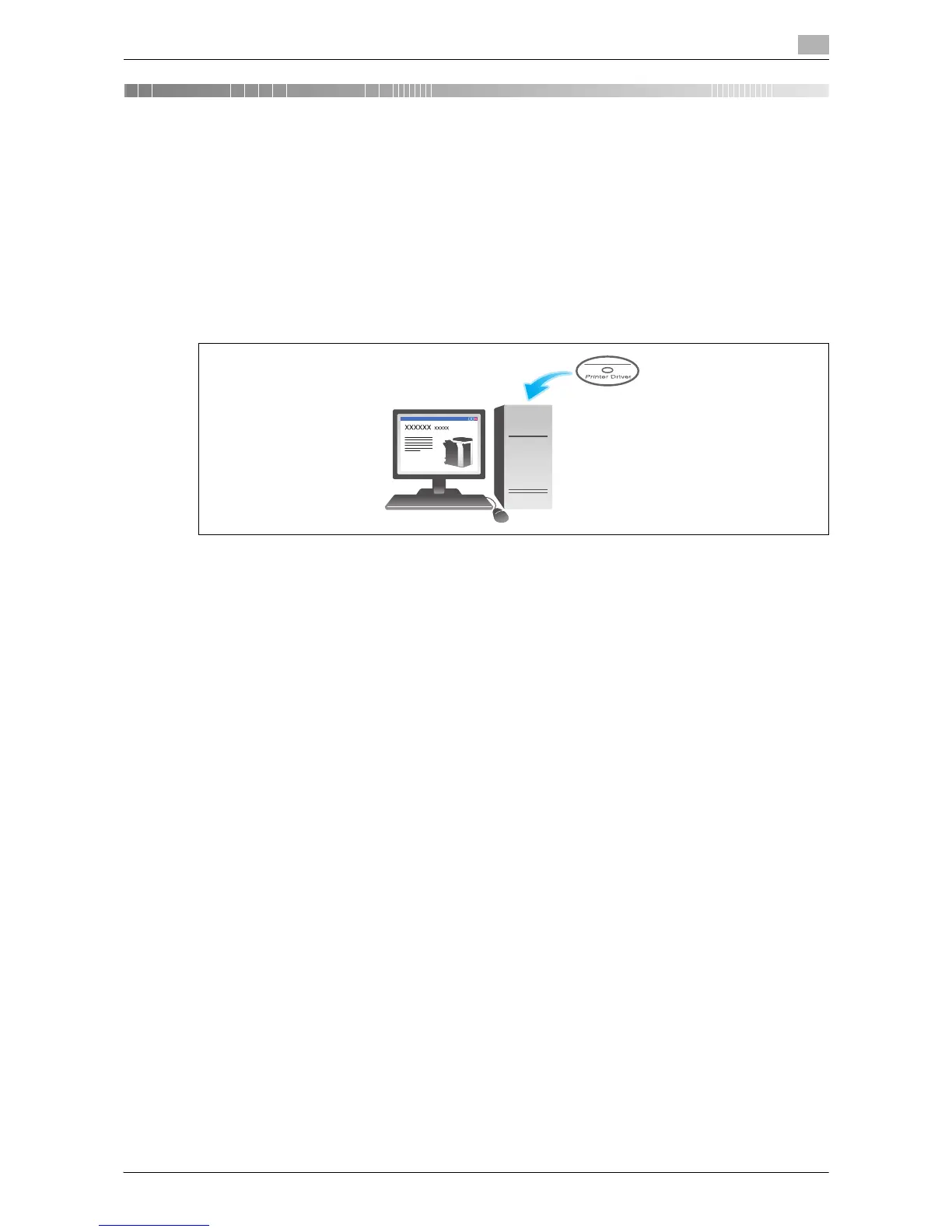
Before using this machine as a printer, you need to install the printer driver on your computer and add the
printer to your computer.
This section describes preparatory steps for printing from this machine via Bonjour (Rendezvous) connection
supported in Mac OS X 10.2 or later.
Tips
- The Bonjour technology enables you to configure the network settings for networked devices and find
and use services without the need for configuring special settings.
- In Mac OS X 10.2/10.3, Bonjour is called Rendezvous.



 To Next Page