Printing in a Mac OS Environment 3-14
3.3 Useful Printing Functions
3
Specifying the paper tray ([Paper Tray:])
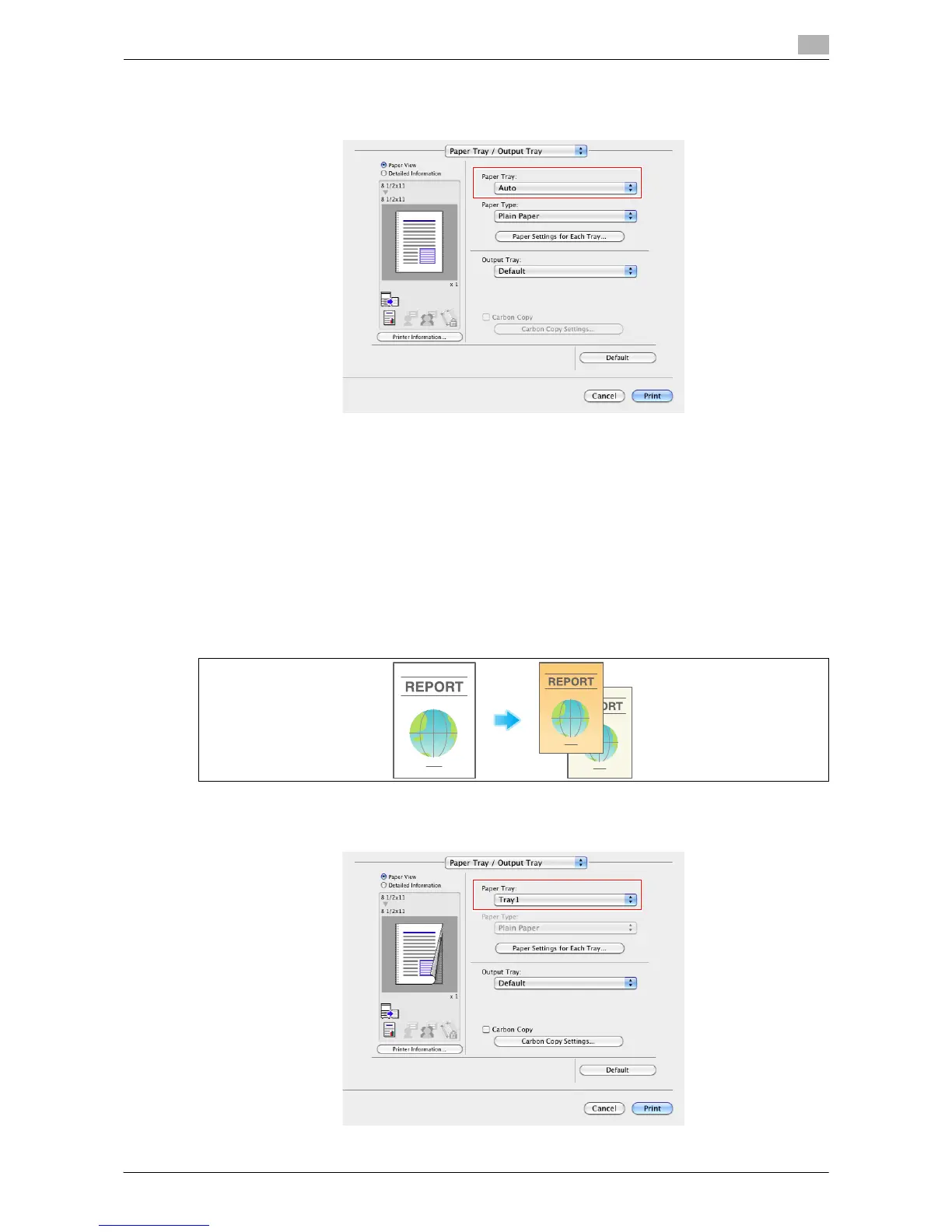
In [Paper Tray:] in [Paper Tray / Output Tray], select the paper tray for printing.
Tips
- If you select [Auto], the paper tray for the paper you have selected in [Paper Size:] is automatically se-
lected.
Printing on paper in multiple trays ([Carbon Copy])
You can print the original on different sheets of paper loaded in multiple trays. Because you can obtain print-
ing results that look like carbon-copied slips using the print command once, this function is called Carbon
Copy.
For example, by using the print command once, you can print a submission document on high-quality color
paper loaded in Tray1 and print your copy on recycled paper loaded in Tray2.
This function is useful when you want to create a submission document and its copy at one time.
1 In [Paper Tray:] in [Paper Tray / Output Tray], select the paper tray for printing the original.
% You cannot select [Auto].



 To Next Page