Printing in a Mac OS Environment 3-22
3.3 Useful Printing Functions
3
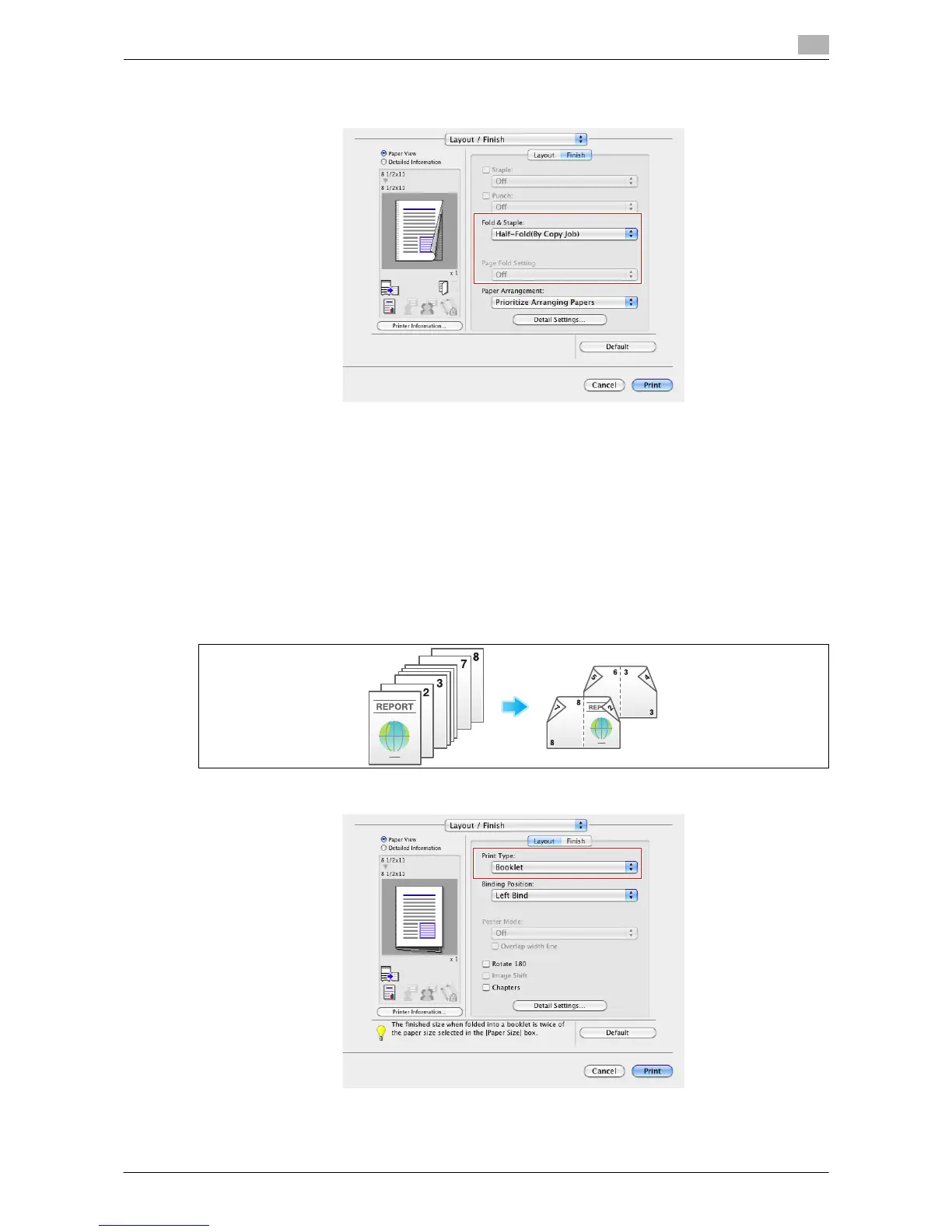
When you want to fold page by page, specify the number of pages to be folded at one time in [Page Fold
Setting].
Tips
- To use the Half-Fold function:
–The Finisher C2280FN2 and Saddle Stitcher C2280SD are required.
- To use the Tri-Fold function:
–The Finisher C2280FN2 and Saddle Stitcher C2280SD are required.
- This function cannot be used on originals that contain more pages than the number of pages that can
be folded by this machine.
Printing in a booklet format ([Booklet])
The pages in the original data are arranged and spread out in booklet format and printed on both sides of
sheets. When the printed sheets are stacked and folded in two, the pages are arranged in the correct order.
In [Print Type:] in [Layout / Finish], select [Booklet].



 To Next Page