Description of Setup Buttons (User Settings) 6-4
6
[PDL Setting]
To display: [Utility] - [User Settings] - [Printer Settings] - [Basic Settings] - [PDL Setting]
Select the Page Description Language. When you select [Auto], this machine automatically switches between
PCL and PS.
[Auto] is specified by default.
[Number of Copies]
To display: [Utility] - [User Settings] - [Printer Settings] - [Basic Settings] - [Number of Copies]
Enter the number of copies to be printed.
[1] is selected by default.
[Original Direction]
To display: [Utility] - [User Settings] - [Printer Settings] - [Basic Settings] - [Original Direction]
Select the orientation of the image to be printed.
[Portrait] is selected by default.
[Spool Print Jobs in HDD before RIP]
To display: [Utility] - [User Settings] - [Printer Settings] - [Basic Settings] - [Spool Print Jobs in HDD before
RIP]
Select whether to save the next print job on the hard disk if the job is received while another print job is being
executed.
[ON] is specified by default.
[A4/A3 <- -> LTR/LGR Auto Switch]
To display: [Utility] - [User Settings] - [Printer Settings] - [Basic Settings] - [A4/A3 <- -> LTR/LGR Auto Switch]
If papers you have set by [User Settings] - [Printer Settings] - [Paper Setting] - [Paper Size] are not loaded
into the paper tray, you can specify whether or not to print on paper of a similar size.
In normal circumstances, select [OFF]. When you select [ON], size conversion between A4 and Letter and
between A3 and Ledger automatically occurs and images may be partially lost.
[OFF] is specified by default.
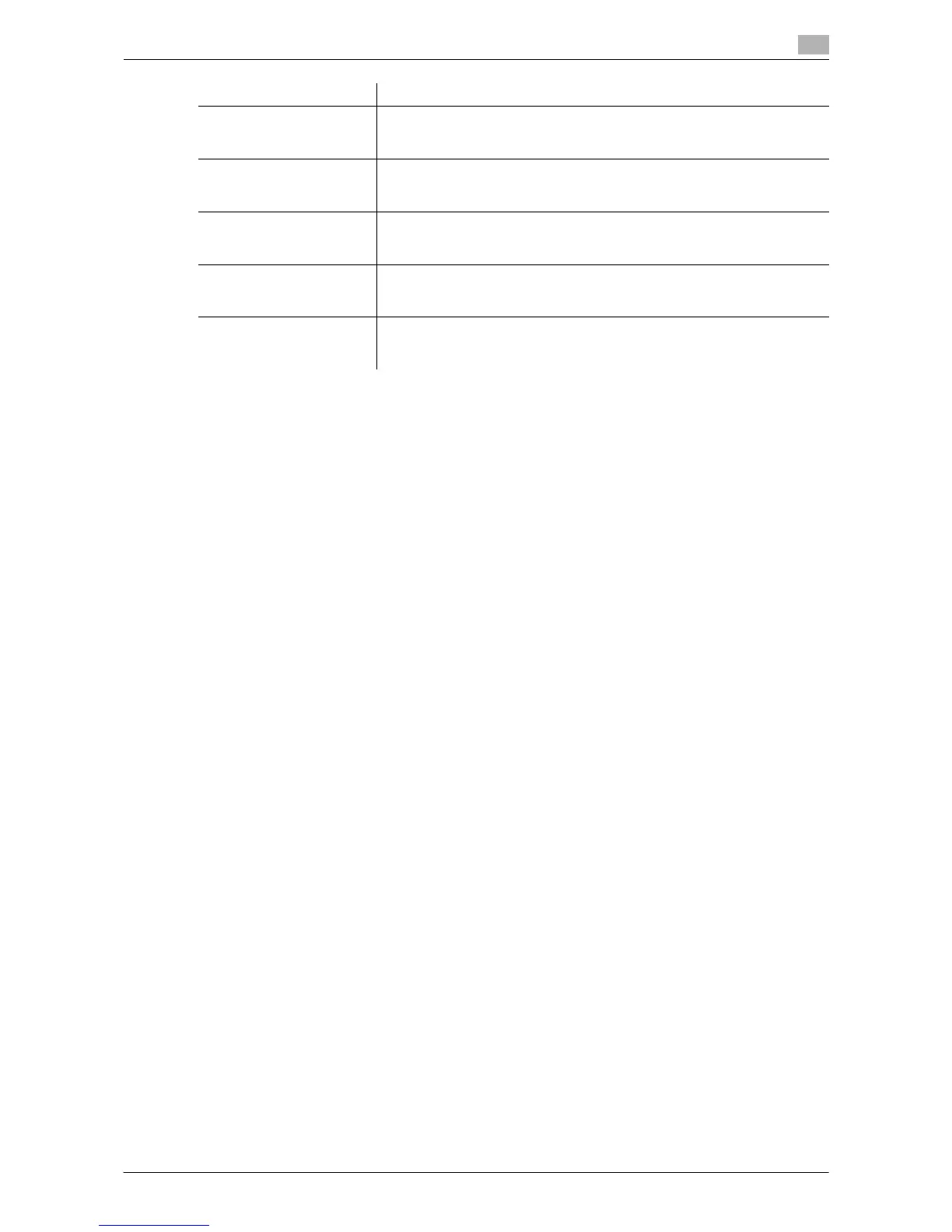
[Gray Background Text
Correction]
Select whether to prevent text or lines on a gray background from looking
thicker than they actually are.
For details, refer to page 6-5.
[Minimal Print] Select whether to directly print PDF, PPML, OOXML (docx, xlsx, pptx) files
by reducing their entire page a little or not.
For details, refer to page 6-5.
[OOXML Print Mode] Select whether to directly print OOXML (docx, xlsx, pptx) files with the pri-
ority of quality or with the priority of speed.
For details, refer to page 6-5.
[Fold Type Settings] Select whether to fold the printed sheets. When you want to fold the print-
ed sheets, select the folding mode.
For details, refer to page 6-6.
[Half-Fold/Tri-Fold Specifi-
cation Settings]
Select the unit by which the paper is folded from [By Copy Job (Multiple
Sheets)], [1 Unit], and [By Page].
For details, refer to page 6-6.
Settings Description



 To Next Page