Printing in the Windows Environment 2-81
2.5 Printing options
2
2.5.2 Printing Highly Confidential Documents ([Secure Print])
Secure Print
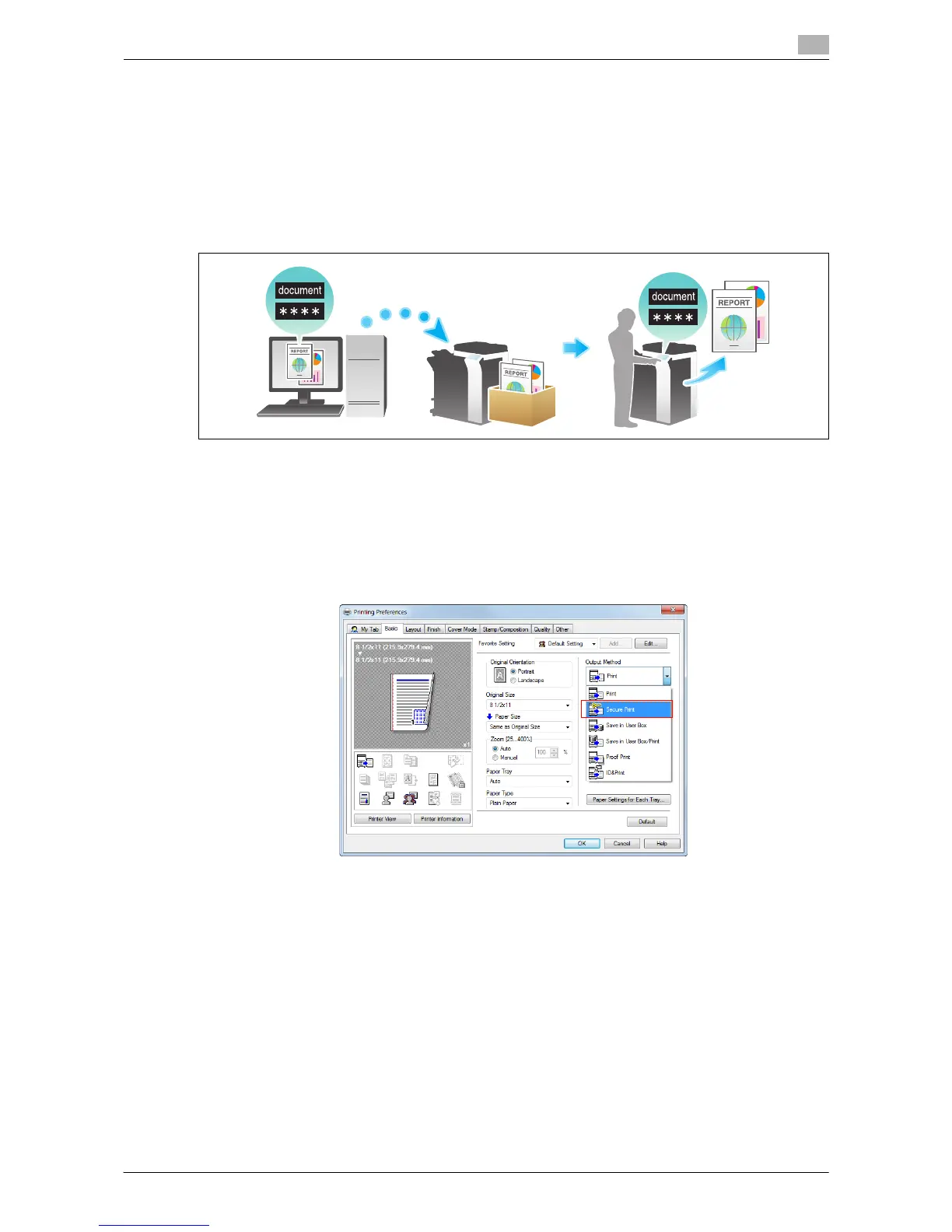
The Secure Print function allows you to set an ID and a password for print data and to save the data in a box
(Secure Print User Box) on this machine. Because the data is not printed within a short time period, this func-
tion prevents printed materials from being missing or left unattended.
Since you need to enter the ID and password from the Touch Panel to print the data saved in the box, this
function is particularly suitable for safely printing highly confidential documents.
Related setting (for the administrator)
- You can limit printing from the computer only to Secure Print. (Default: [No]). For details, refer to
page 7-14.
How to print from the computer
1 In [Output Method] on the [Basic] tab, select [Secure Print].



 To Next Page