Printing in the Windows Environment 2-9
2.1 Preparation for Printing (Network Connection)
2
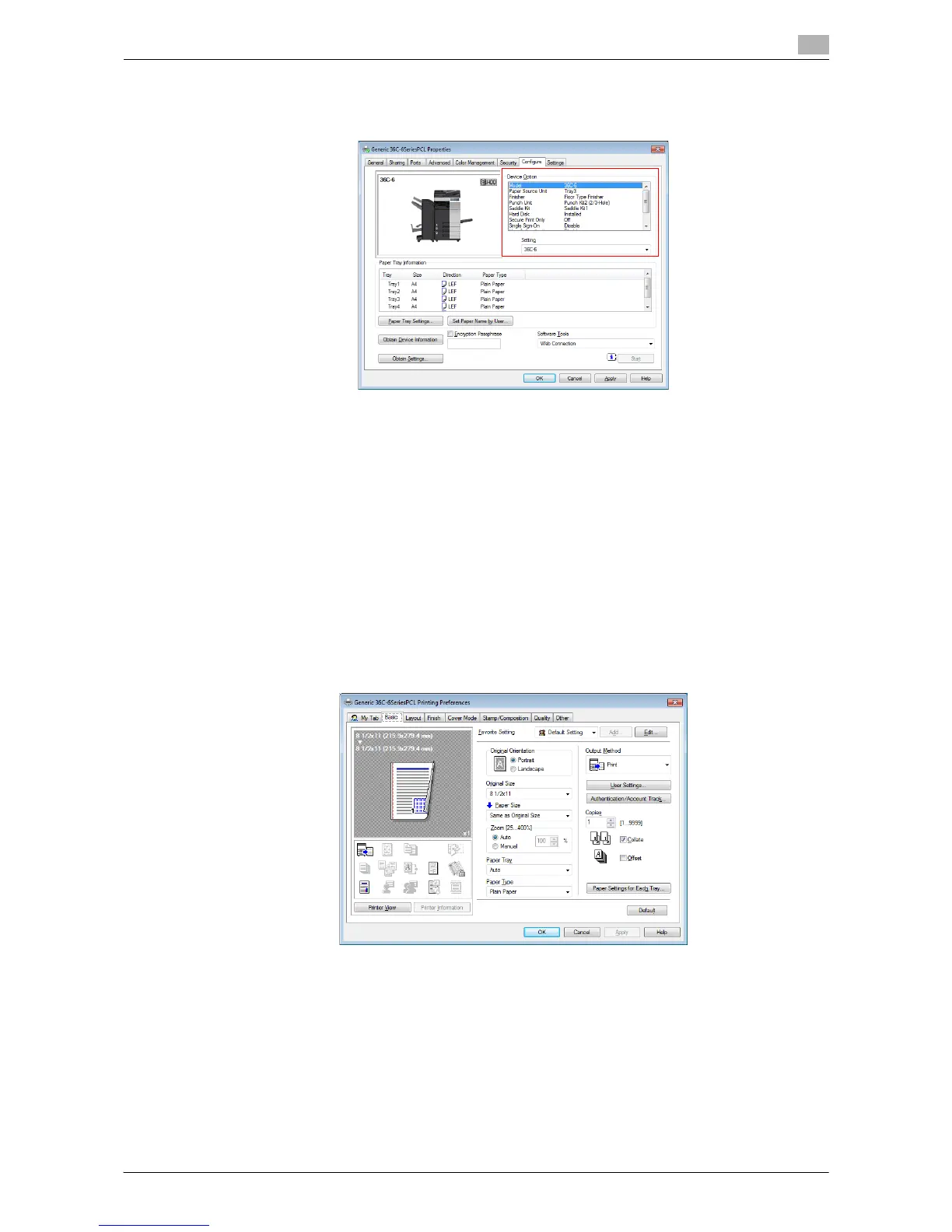
% If you cannot establish communication with this machine, manually set this information in [Device
Option]. Select the item from the list, and select the setting from [Setting].
3 Click [OK].
Changing the default print settings
If necessary, you can change the default print settings of the printer driver.
For example, if you set black-and-white printing as a default setting, users need to change the setting when
they want to use color printing. As a result, unnecessary color printing can be prevented. We recommend
that you change the default settings to suit your environment.
1 Display the [Printing Preferences] window of the printer driver.
% For information on how to display the [Printing Preferences] window, refer to page 2-106.
2 Change the print settings, and click [OK].
The changed settings are applied when printing is performed from any application software.
d Reference
The printer driver has the function to save favorite settings. It is useful to register frequently used print settings
as favorite settings. For details, refer to page 2-18.



 To Next Page