Printing in the Windows Environment 2-24
2.4 Useful Printing Functions
2
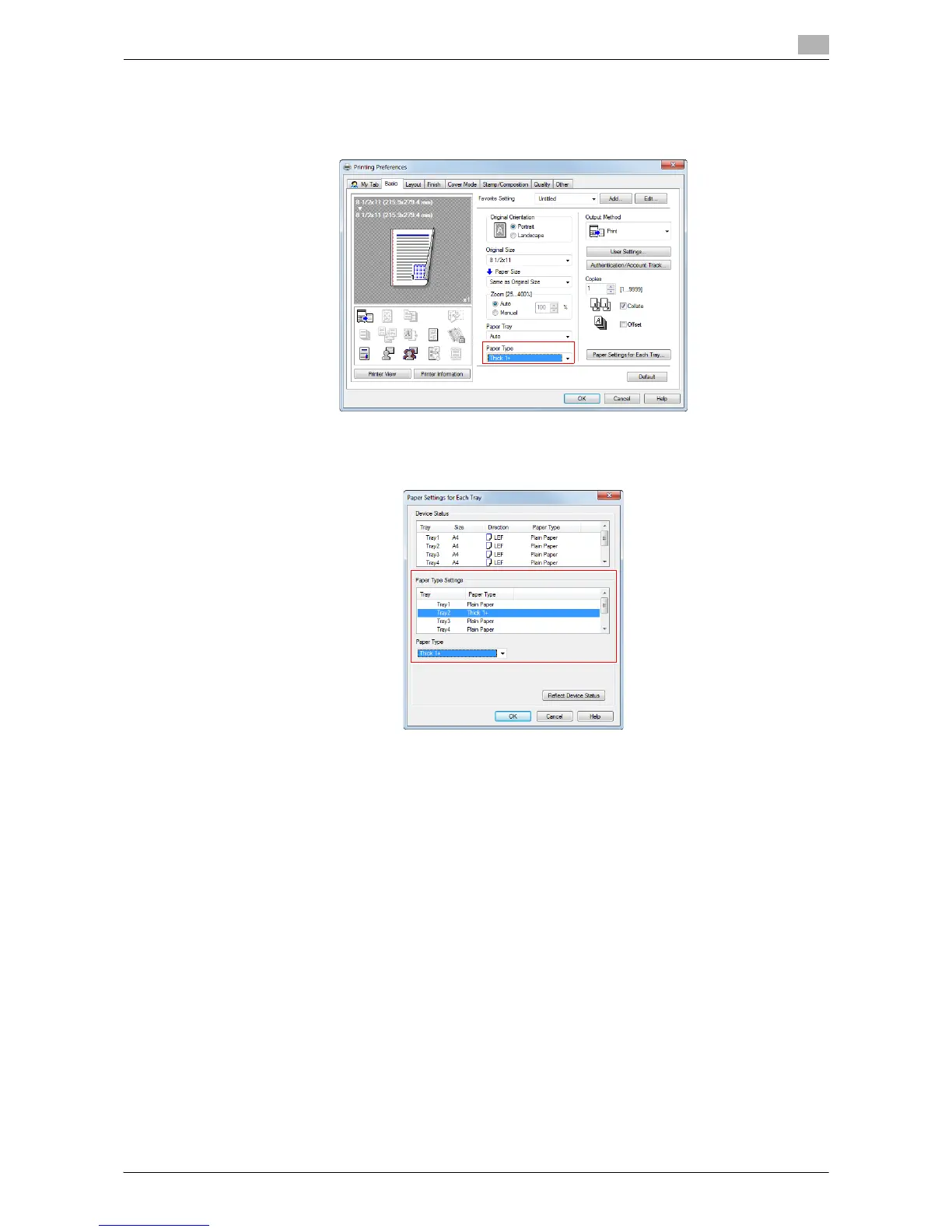
Specifying the paper type ([Paper Type])
In [Paper Type] in the [Basic] tab, select the type of paper for printing. This function is enabled when [Paper
Tray] is set to [Auto].
In [Paper Settings for Each Tray...] on the [Basic] tab, you can set a paper type for each tray. When you specify
anything other than [Auto] in [Paper Tray], the paper type information specified here is applied.



 To Next Page