Printing in the Windows Environment 2-30
2.4 Useful Printing Functions
2
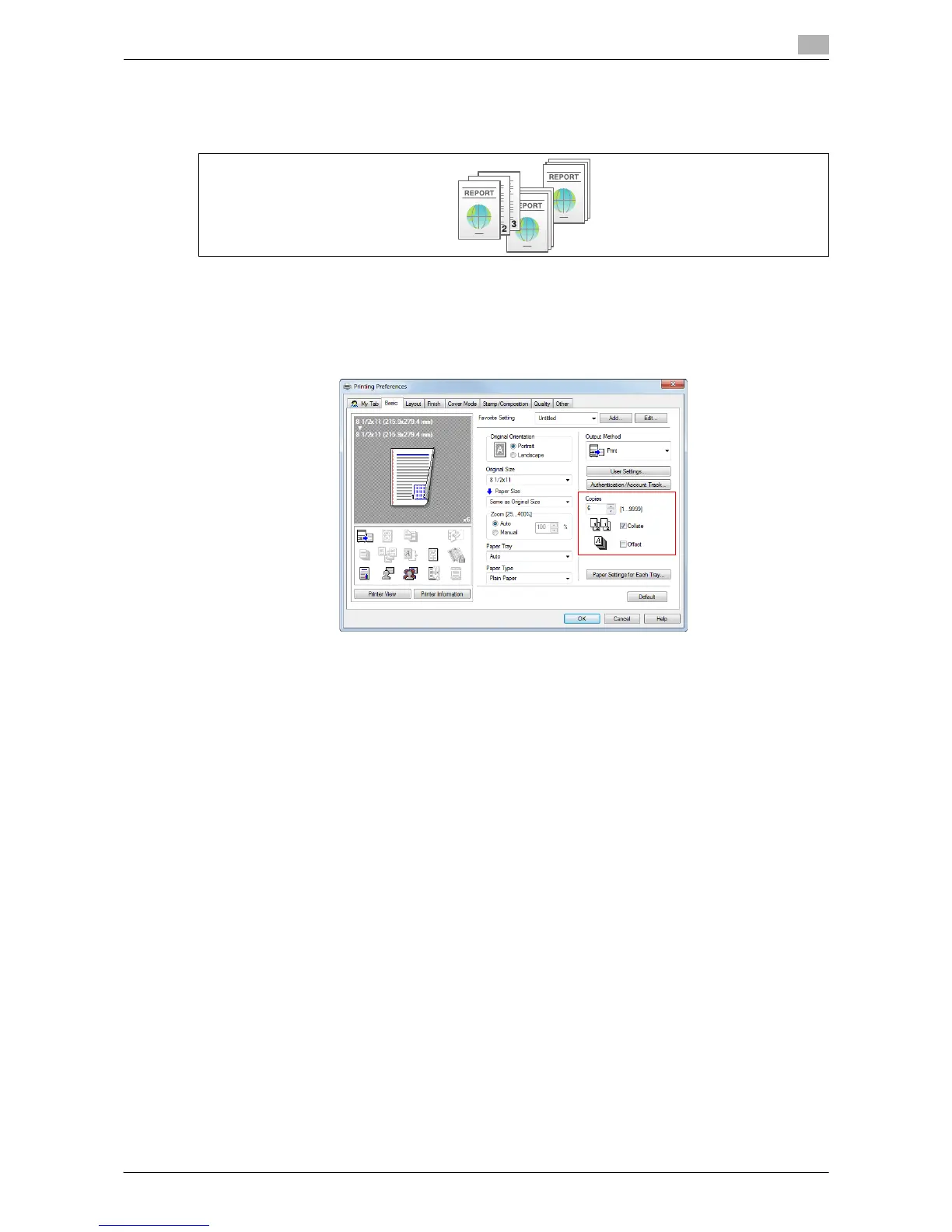
Printing by sets ([Collate]/[Offset])
When multiple sets of copies are printed, the paper output position of each set is staggered to help you locate
the first page of each set.
When the [Collate] check box on the [Basic] tab is selected, copies are output separately in a set-by-set man-
ner, for example, "Pages 1, 2, 3, 4, and 5", "Pages 1, 2, 3, 4, and 5", and then "Pages 1, 2, 3, 4, and 5". When
the [Offset] check box is selected, the sets are output in staggered layers.
When you select both [Collate] and [Offset] check boxes, the output position is staggered for each set, allow-
ing you to easily prepare handouts.



 To Next Page