Printing in a Mac OS Environment 3-94
3.8 Appendix: Printing in a Mac OS 9.2 environment
3
3.8.4 Printing Procedure
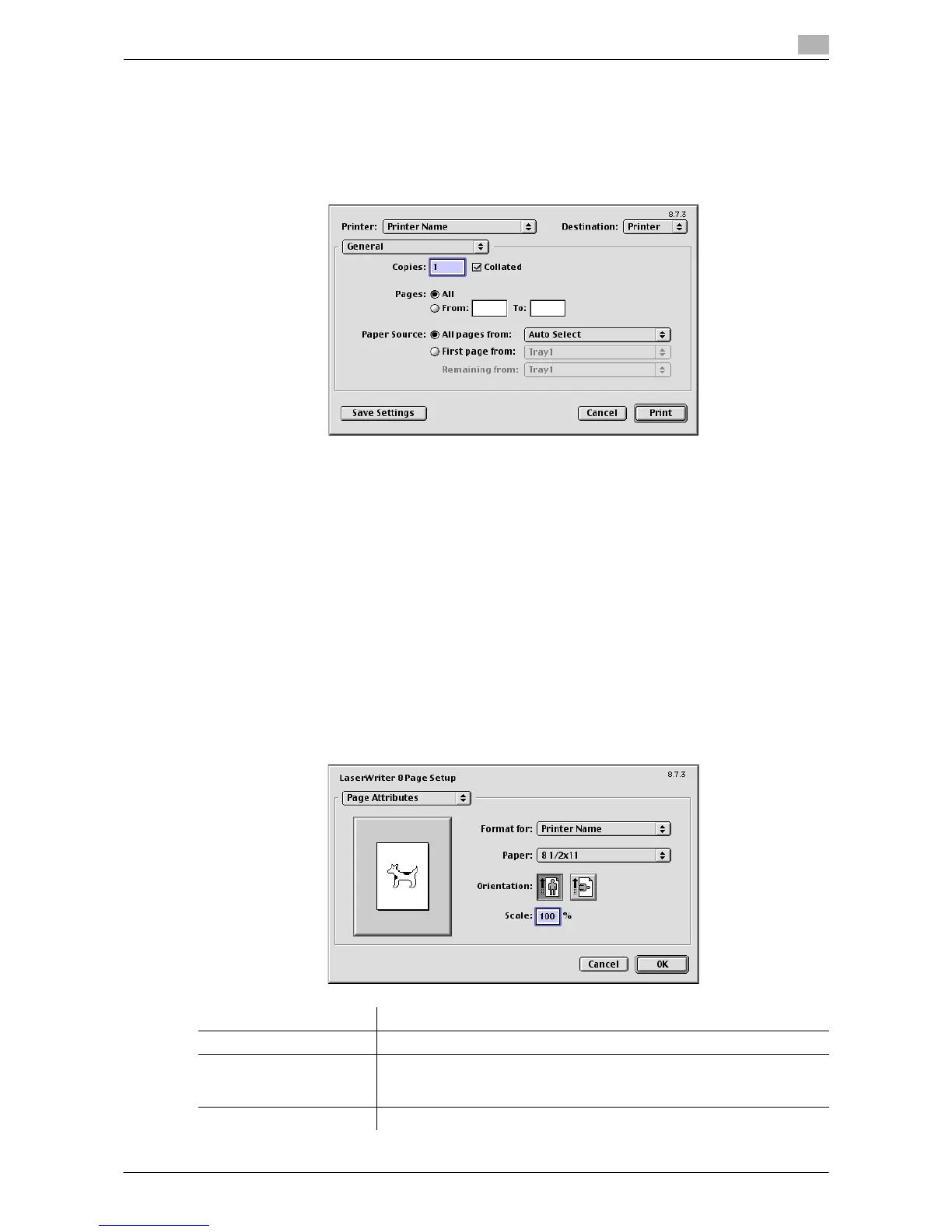
1 Open document data using the application software. From the [File] menu, select [Print].
2 Check that the desired printer is selected in [Printer:].
% The [Print] dialog box varies depending on the application software.
3 Specify the print range and the number of copies to print.
4 If necessary, switch the setting window and change the print settings.
% For details on the print settings, refer to page 3-94.
% The print settings you have changed here are reset to the defaults when you exit the application
software.
5 Click [Print].
Printing is executed.
3.8.5 Setting items in the Printer Driver
Available operations in [Page Attributes]
In [Page Attributes] in the [Page Setup] (or [Paper Setup]) window, you can configure basic settings about
paper.
Settings Description
[Paper:] Select the size of paper for printing.
[Orientation:] Specify the orientation of the original created in application software.
If the setting in the printer driver differs from the one specified in the appli-
cation software, correct the setting.
[Scale:] Specify the zoom ratio to enlarge or reduce the original image.



 To Next Page
 Loading...




