Printing in the Windows Environment 2-64
2.4 Useful Printing Functions
2
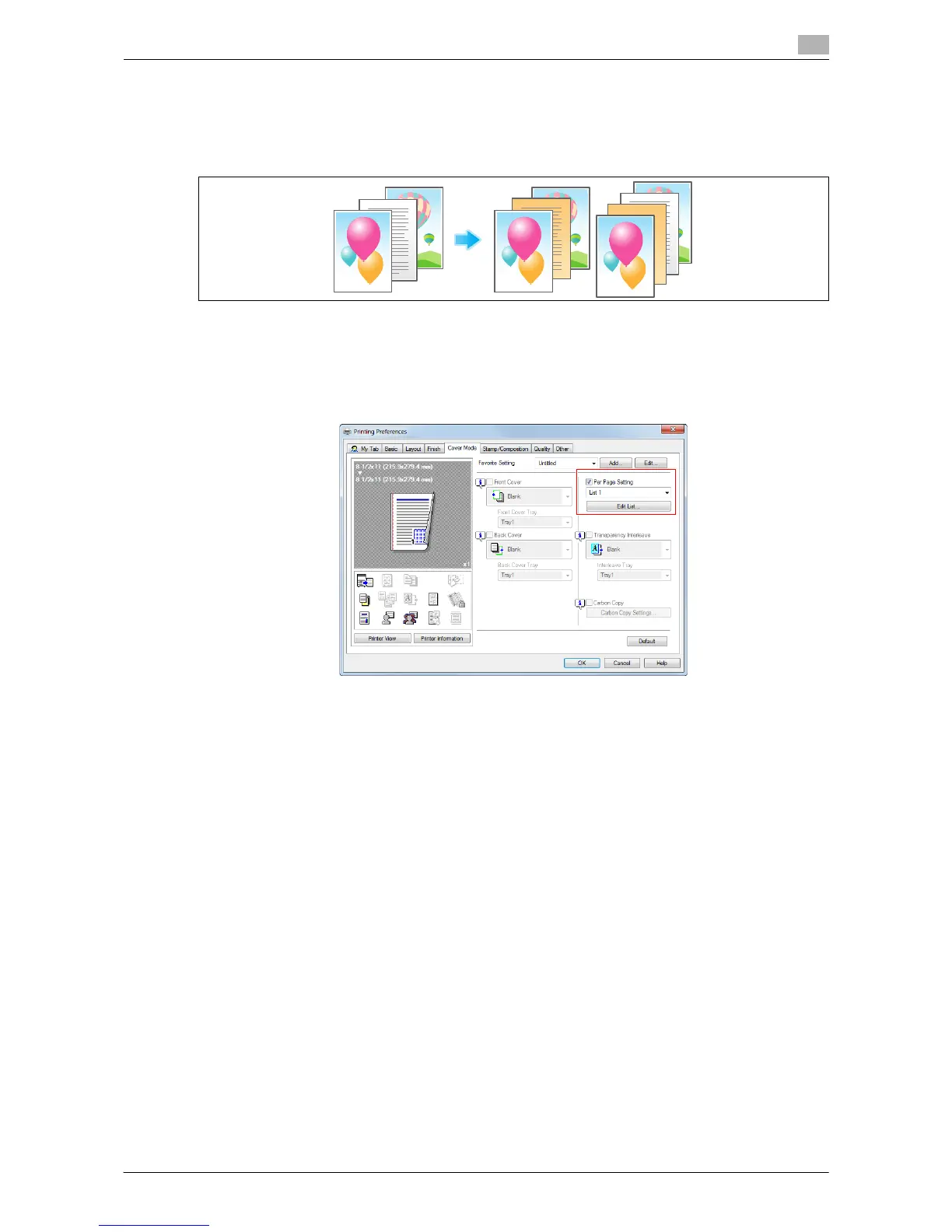
Inserting paper into the specified pages ([Per Page Setting])
Paper different from other pages is inserted into the specified pages.
You can select color paper and thick paper as paper to be inserted. You can also select whether to print the
original on the inserted paper.
Create in advance a list that specifies the paper and print settings for each page. When printing on inserted
paper, select the list you want to apply to printing.
1 In the [Cover Mode] tab, select the [Per Page Setting] check box, then click [Edit List...].
% When you have already prepared a list, select the list you want to apply to printing.



 To Next Page