Printing in the Windows Environment 2-76
2.4 Useful Printing Functions
2
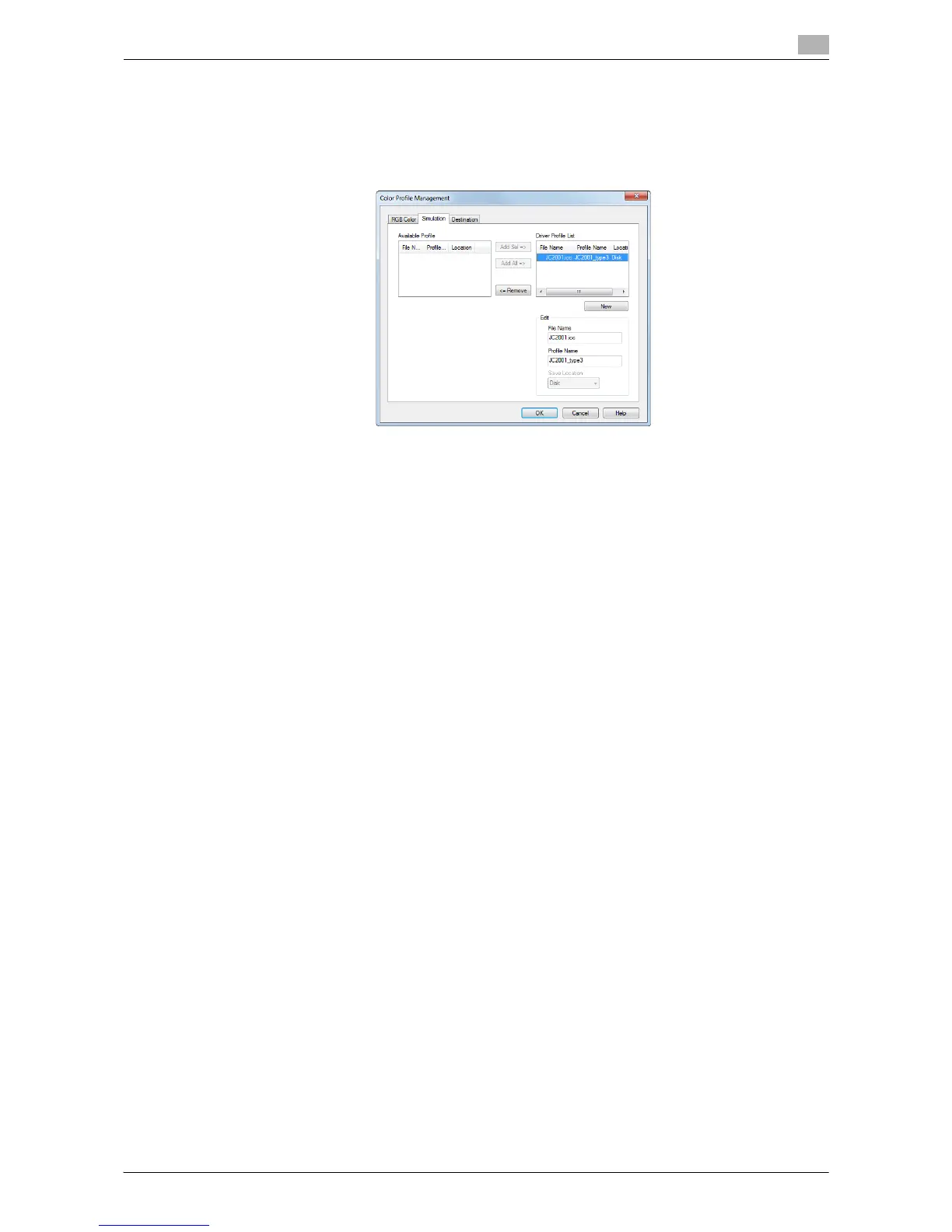
4 From the [Available Profile] list, select the profile you want to add to the printer driver, then click [Add
Sel].
% To register the current driver settings as the profile, click [New], then enter the [File Name] and [Pro-
file Name].
% To edit the profile name, click [Edit].
5 Click [OK].
The profile is added to [Driver Profile List].



 To Next Page