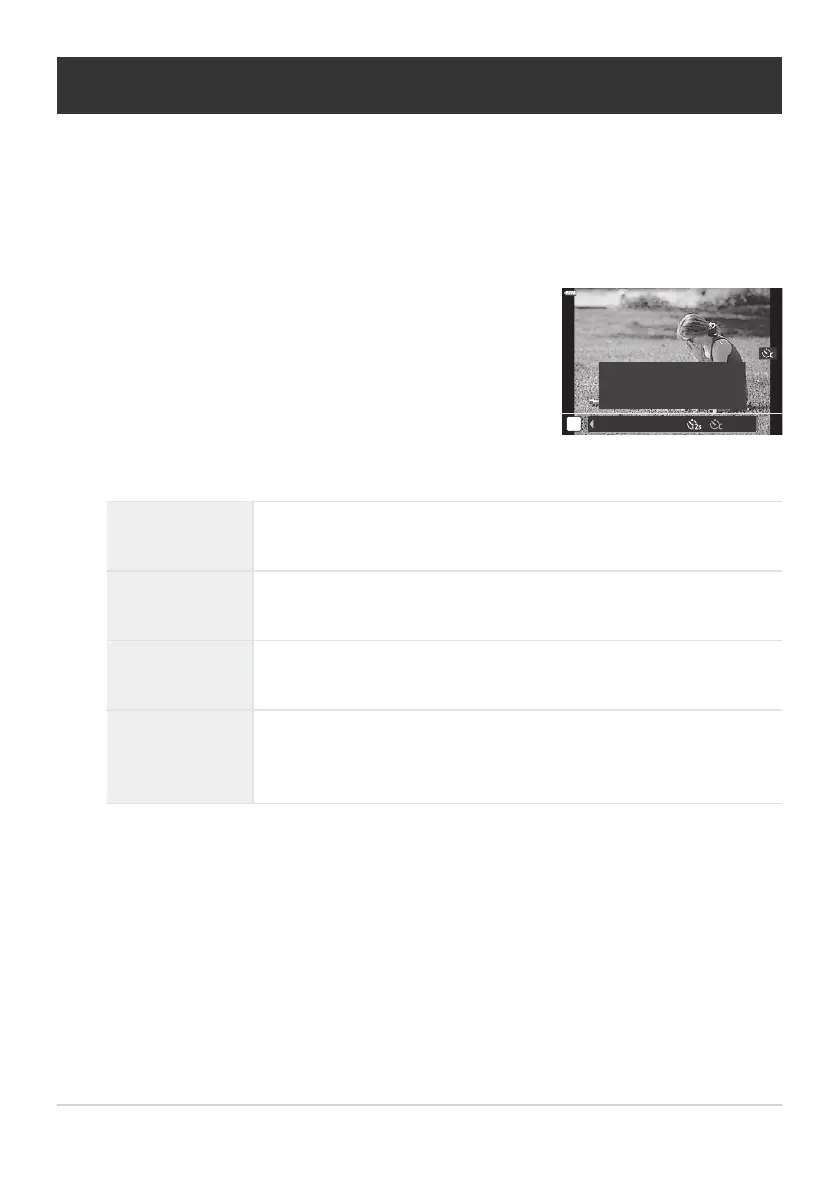
Highlight l (custom self-timer) by rotating the front or rear
dial and press the INFO button.
hq
♥
S
Sp
Y
1s ×3 0.5s OFF
Custom Self-timer
Settings
o
Self-Timer Options (l Custom Self
-timer)
Adjust self-timer settings, including the shutter release delay and the number of shots taken when the
timer expires.
Press the gY button.
Highlight items using HI and use FG to choose an option.
Y Timer
Choose how long the camera waits to begin shooting after the shutter
button is pr
essed all the way down.
Number of
Frames
Choose the number of shots taken when the timer expires.
Interval Length
If the number of shots is 2 or more, choose the interval between the
shots taken when the timer expires.
Every Frame AF
[Off]: If the number of shots is 2 or more, the camera will focus only
before the first shot.
[On]: The camera focuses before each shot.
104
Self-Timer Options (l Custom Self
-timer)
1.
2.
3.



 To Next Page