Highlight 2 (custom r
ecord mode; P. 142) using the front dial
and press the OK button.
n
K
sRGB
Natural
S
Normal
WB
Auto
ISO
Auto
±
0
A
±
0
±
0 ±
0
±
0
G
±
0
250 F5.6
p
1:02:03
o
C
-
AF
Off
S-IS Auto
Y
F
#
±
0.0
#
M-IS
24
p
24
p
C4K
Filming Slow- or Fast-Motion Movies (Slow-
and Fast
-Motion Movies)
You can create slow motion or fast-motion movies. You can set the recording speed using 9 in record
mode.
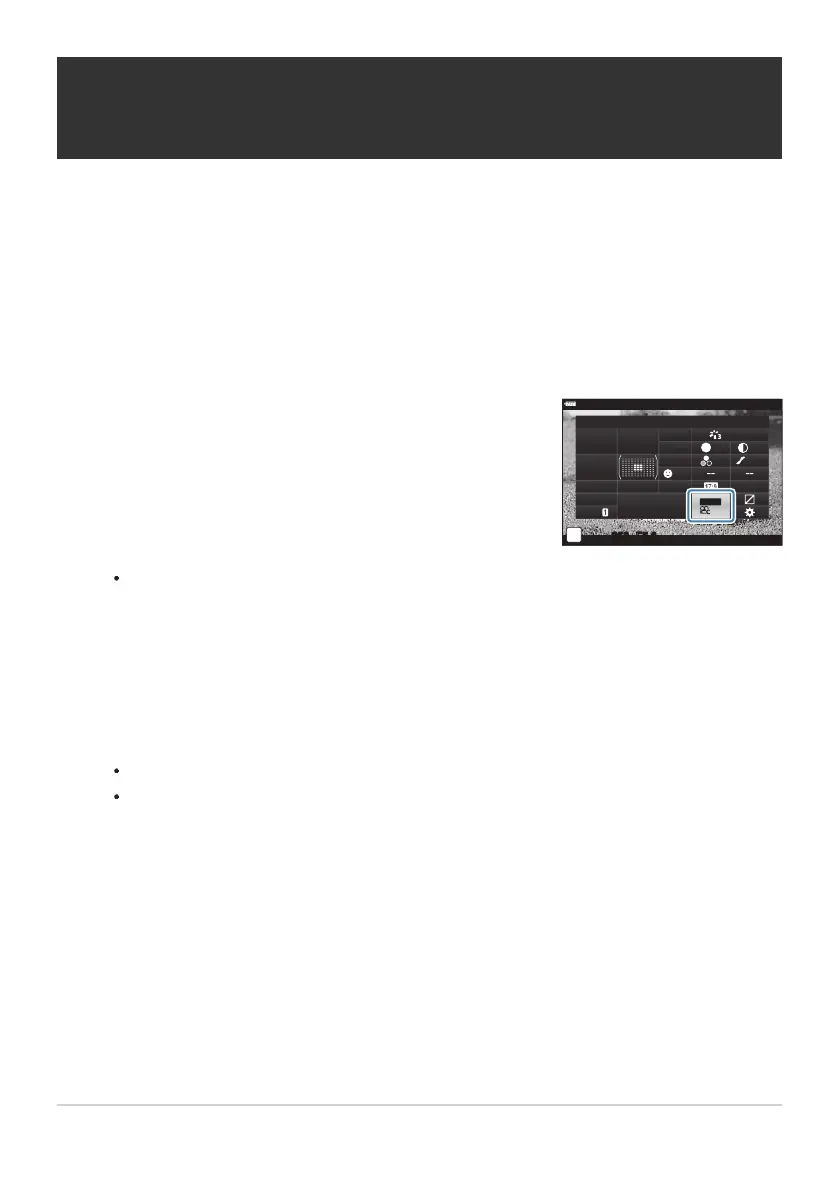
Press the OK button to display the LV super control panel.
Highlight [nX] using the FGHI buttons.
The option selected for [Slow or Fast Motion] can be changed by pressing the INFO
button. After highlighting [Slow or Fast Motion] using the HI buttons, use the FG
buttons to choose a speed multiplier and then press the OK button. Choose high multipliers
for fast-motion movies, low multipliers for slow-motion movies. The frame rate changes
accordingly.
Press the R button to start shooting.
Press the R button again to end shooting.
The movie will be played back at a fixed speed so that it appears to be in slow motion or
fast-motion.
Sound will not be recorded.
Any picture mode art filters will be canceled.
Either or both of slow motion and fast-motion cannot be set for some options of [nX].
Shutter speed is limited to values no slower than 1/24s. The slowest speed available varies with the
option selected for [Frame Rate].
146
Filming Slow- or Fast-Motion Movies (Slow- and
F
ast
-Motion Movies)
1.
2.
3.
4.
C
C
C
C



 To Next Page