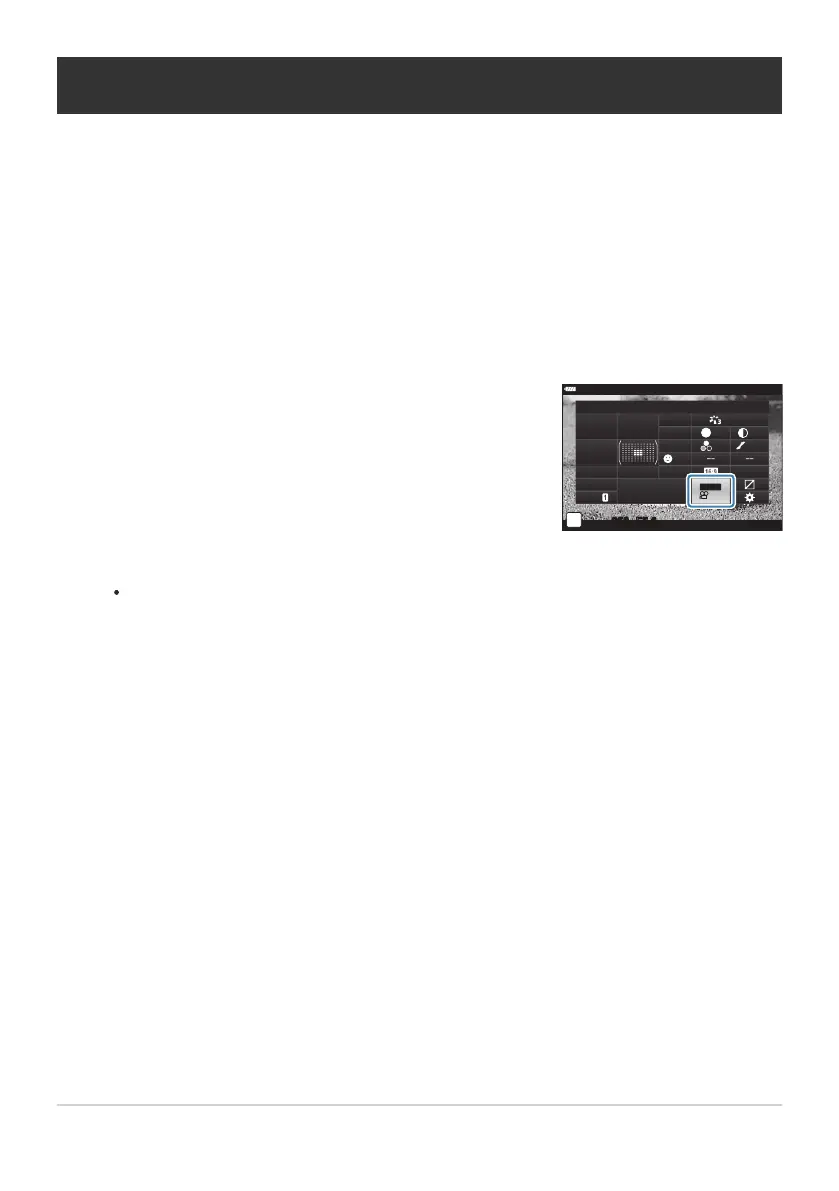
Highlight [nX] using the FGHI buttons.
sRGB
Natural
S
Normal
WB
Auto
ISO
Auto
±
0
A
±
0
±
0 ±
0
±
0
G
±
0
250 F5.6
p
1:02:03
o
30
p
30
p
4K
C
-
AF
Off
S-IS Auto
Y
F
#
±
0.0
#
M-IS
n
K
Frame Size, Rate, and Compression (nX)
Choose the image quality options available for movie r
ecording.
When choosing an option, consider how the movie will be used: for example, are you planning to
process it on a computer, or is it intended for upload to a website? The camera can store multiple
combinations of frame size, rate, and compression from which you can select according to your
goals. Slow- and fast-motion and high-speed movie options are also available. g“Filming Slow- or
Fast-Motion Movies (Slow- and Fast-Motion Movies)” (P. 146) and “Filming High-Speed Movies” (P. 144)
Press the OK button to display the LV super control panel.
Use the front dial to select an option.
To change movie record mode settings, press OK followed by the INFO button and rotate
the rear dial.
141
Frame Size, Rate, and Compression (nX)
1.
2.
3.



 To Next Page