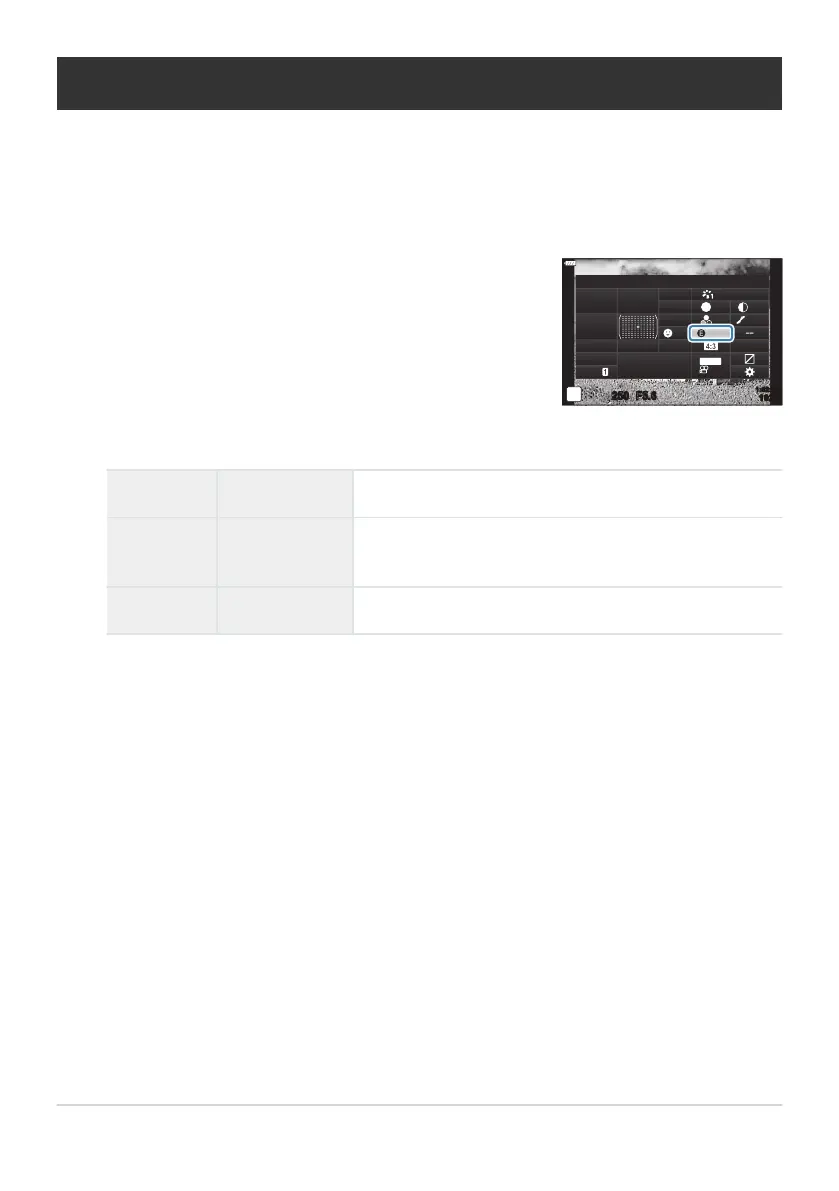
Highlight [Effect] using the FGHI buttons.
Effect
sRGB
WB
Auto
ISO
Auto
A
±
0
G
±
0
250 F5.6
p
Standard
S
Normal
±
0
±
0
±
0
o
S
-
AF
Off
30
p
30
p
4K
S-IS Auto
Y
F
#
±
0.0
#
1023
1:02:03
M-IS
i-Enhance
Adjusting i-Enhance effects (Effect)
Choose the strength o
f the i-Enhance effect when [i-Enhance] is selected for picture mode (P. 154).
Press the OK button to display the LV super control panel.
Use the front dial to select an option.
E Low
Effect: Low Adds a low i-Enhance effect to images.
E Standard
Effect: Standard
Adds an i-Enhance effect between “low” and “high” to
images.
E High
Effect: High Adds a high i-Enhance effect to images.
164
Adjusting i-Enhance effects (Effect)
1.
2.
3.



 To Next Page