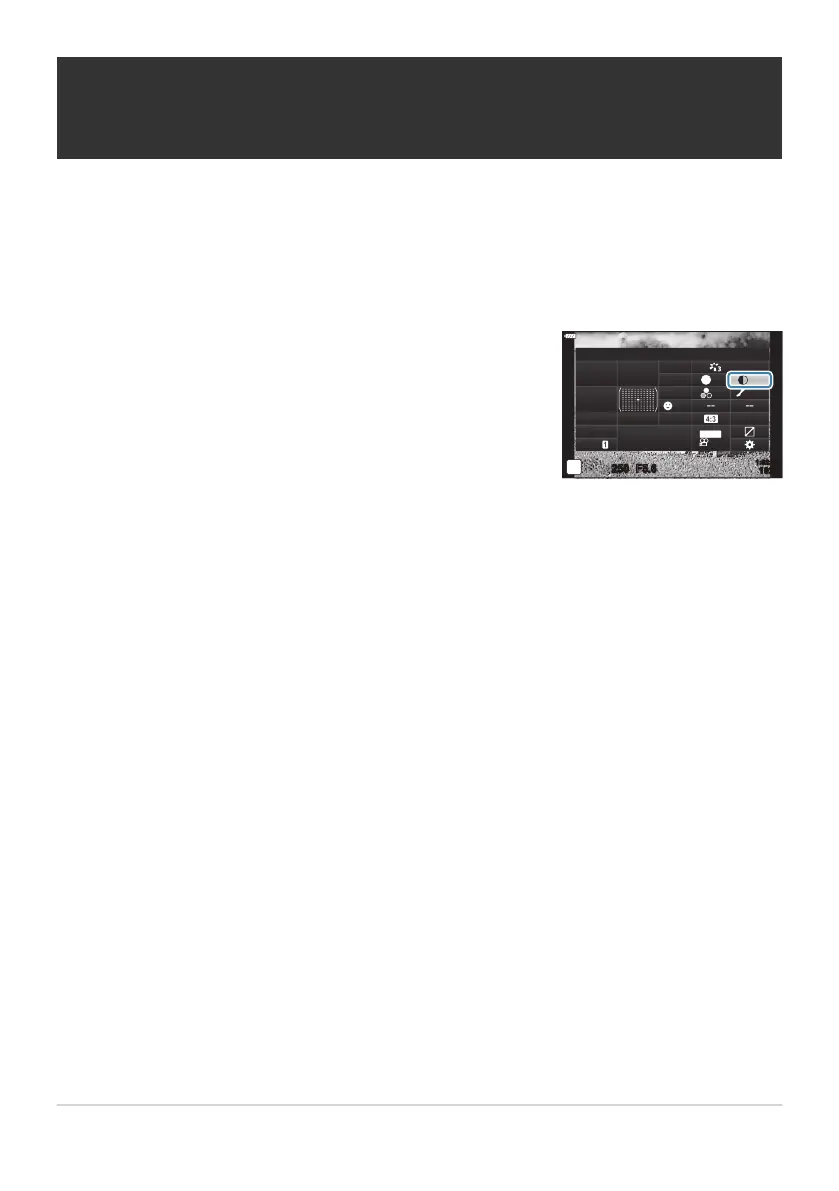
Highlight [Contrast] using the FGHI butt
ons.
Contrast
sRGB
Natural
Normal
WB
Auto
ISO
Auto
A
±
0
G
±
0
250 F5.6
p
S
±
0 ±
0
±
0
o
S
-
AF
Off
30
p
30
p
4K
S-IS Auto
Y
F
#
±
0.0
#
1023
1:02:03
M-IS
Making fine adjustments to contrast
(Contrast)
Adjust image contrast. Increasing contrast height
ens the difference between bright and dark areas for
a harder, more well-defined picture. Settings are stored separately for each picture mode.
Press the OK button to display the LV super control panel.
Use the front dial to select an option.
159
Making fine adjustments to contrast (Contrast)
1.
2.
3.



 To Next Page