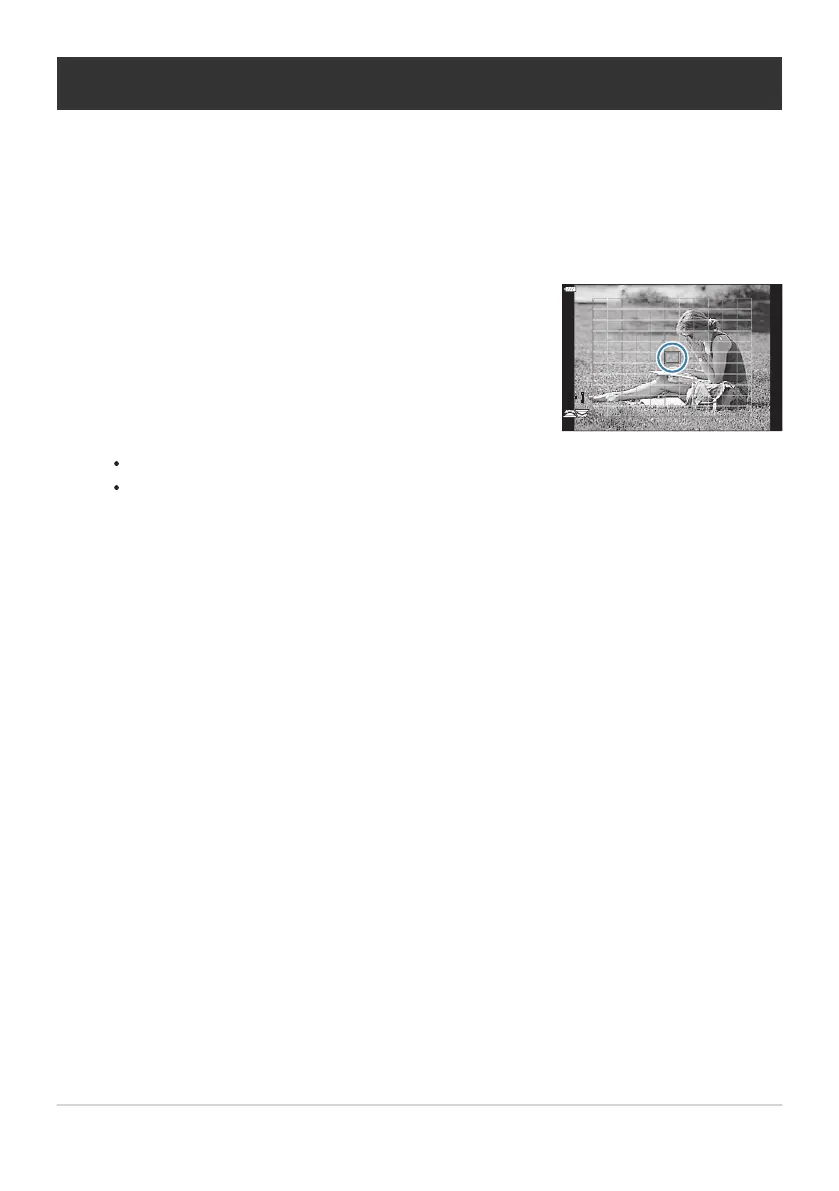
Position the selected target using the FGHI butt
ons.
Choosing a Focus Target (AF Target Point)
The frame showing the location of the focus point is r
eferred to as the “AF target”. You can position the
target over your subject.
At default settings, you can position the target using the FGHI buttons.
To select the center AF target, press and hold the OK button.
You can choose whether AF-target selection “wraps around” the edges of the display (P. 308).
You can reposition the AF target during focusing when [C-AF] or [C-AFJ] is selected in still
photography mode.
You can also reposition the AF target during movie recording.
When [On] is selected for [AF Targeting Pad] (P. 273), you can reposition the AF target using
monitor touch controls while framing your subject in the viewfinder.
The size and number of available AF targets vary with group target settings (P. 91) and the options
chosen for [Digital Tele-converter] (P. 208) and [Aspect] (P. 138).
The roles played by the dials and arrow pad during AF-target selection can be chosen using
[YSelect Screen Settings] in CCustom Setting Menub (P. 307).
95
Choosing a Focus Target (AF Target Point)
1.
2.
B
B
B
B
B



 To Next Page