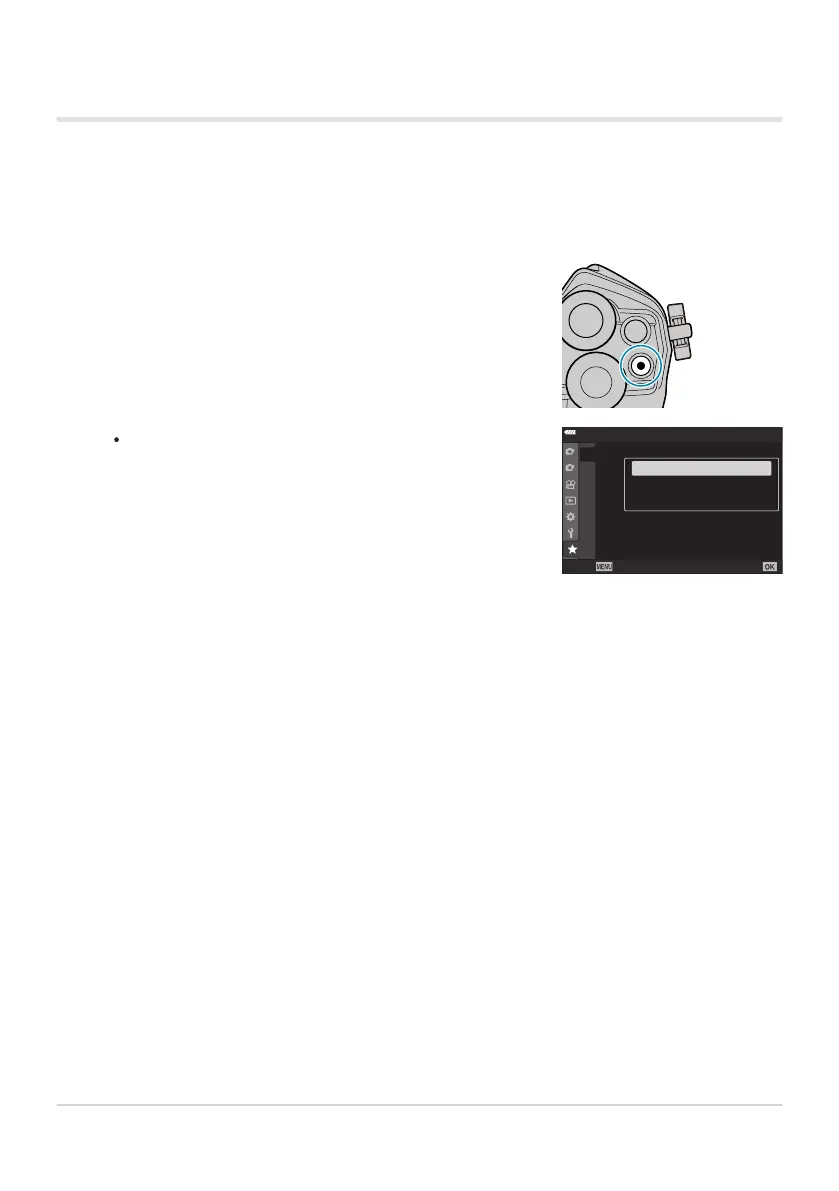
Display the “My Menu” page you want to edit and press the R
(movie) butt
on.
The options below will be displayed.
[R
earrange Or
der]: Change the order of items or pages.
Use the FGHI buttons to choose the new location.
[Remove this item]: Remove the highlighted item from “My
Menu”. Select [Yes] and press the OK button.
[Remove this E tab]: Remove from “My Menu” all items
on the current page. Select [Yes] and press the OK button.
1
2
f2
f3
f4
f5
f1f1
YF
My Menu 1
K
K
On
Half Way Rls Wi
th IS
Back
Set
USB Mode
Sel
ect
sRGB
Color Space
Rearrange Order
Remove this item
Remo
ve this f tab
Managing “My Menu”
You can r
eorder or delete items in “My Menu”.
Press the MENU button to view the menus.
268
My Menu
1.
2.



 To Next Page