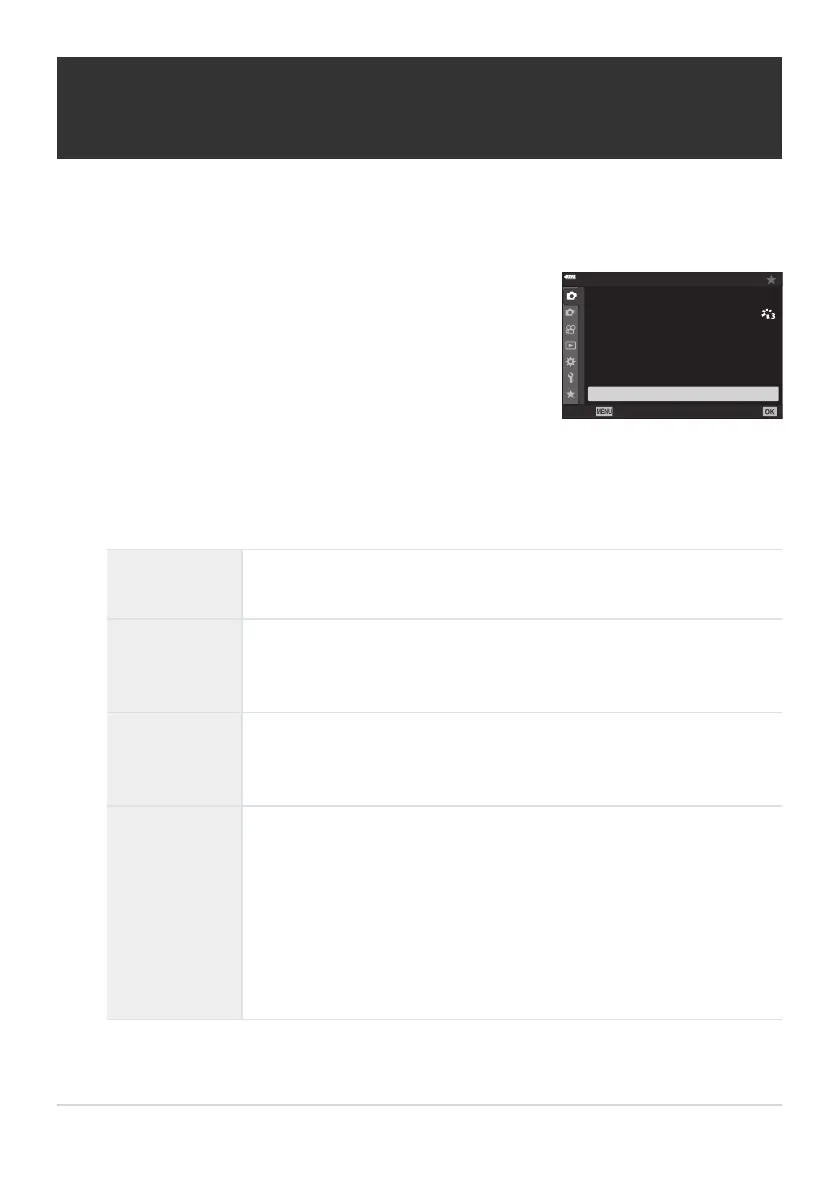
Highlight [Intrvl. Sh./Time Lapse] in
6Shooting Menu1 and
press the OK button.
1
2
1
4:3
Off
Y
F
o
Off
Back
Set
Shooting Menu 1
K
K
Picture Mode
Reset / Custom Modes
Intrvl. Sh./Time Lapse
j
/
Y
Image
Aspect
Digital Tele-converter
Shooting automatically with a fixed interval
(Intrvl. Sh./Time Lapse)
Y
ou can set the camera to shoot automatically with a set time lapse. The shot frames can also be
recorded as a single movie. This setting is available only in P/A/S/M modes.
Highlight [On] and press I.
Adjust the following settings and press the OK button.
Number of
Frames
Choose the number of frames shot.
Start Waiting
Time
Choose how long the camera waits before starting interval-timer
photography and taking the fir
st shot.
[00:00:00]–[24:00:00]
Interval Length
Choose how long the camera waits between shots once shooting has
begun.
[00:00:01]–[24:00:00]
Interval Mode
Choose whether the camera prioritizes taking photographs at the
selected interval or taking the selected number of photographs.
[Time Priority]/[Frames Priority]
If [Time Priority] is selected, the previous exposure may not end before
the next is due to begin.
The final number of photographs may be less than that chosen for
[Number of Frames] if, for example, [Interval Length] is very short or
shooting for each interval takes a long time to complete.
209
Shooting automatically with a fixed interval
(Intr
vl. Sh./Time Lapse)
1
.
2.
3.



 To Next Page