c AF/MF
MENU Q C Q c
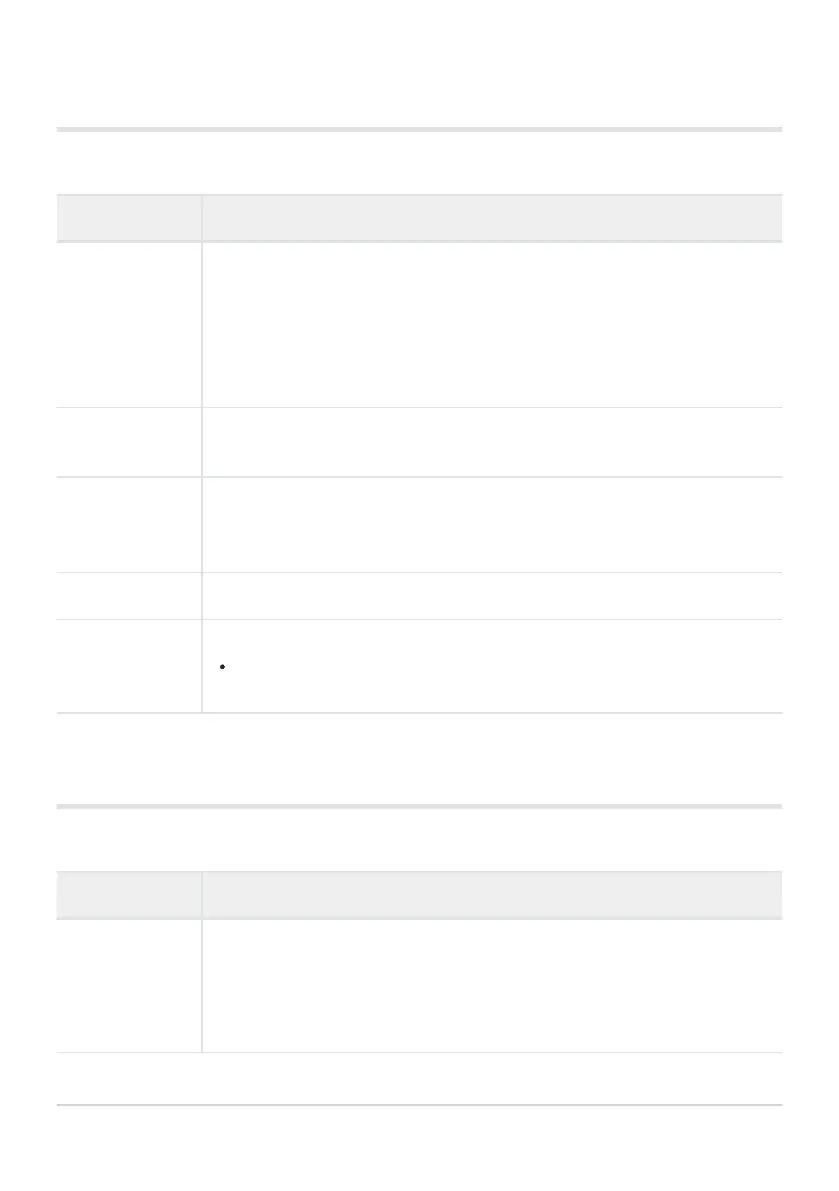
Option Description
AF Targeting Pad
If [On] is selected, the AF tar
get can be positioned by tapping the monitor
during viewfinder photography. Tap the monitor and slide your finger to
position the AF target.
When set to [On], drag operation can be disabled or enabled by double-
tapping the monitor.
[AF Targeting Pad] can also be used with zoom frame AF (P. 96).
AF Limiter
Select [On] to limit the range in which the camera will focus using autofocus
(P. 312).
AF Illuminator
Select [Off] to disable the AF illuminator. To use the AF illuminator during
silent photography, you will need to change the option selected for [SilentI
Mode Settings] (P. 232).
I
Face Priority
Adjust settings for face- and ey
e-priority AF (P. 126
).
AF Focus Adj.
Fine-tune phase-detection autofocus by up to ±20 (P. 313
).
Normally there is no need to fine-tune autofocus using this item. Fine-
tuning focus may prevent the camera focusing normally.
d AF/MF
MENU Q C Q d
Option Description
Starry Sky AF
Setting
Choose a setting for starry sky AF (P. 121
).
[Accuracy]: Prioritize focus accuracy over speed. Use a tripod.
[Speed]: Prioritize focus speed over accuracy.
273
abcdAF/MF
B
B



 To Next Page