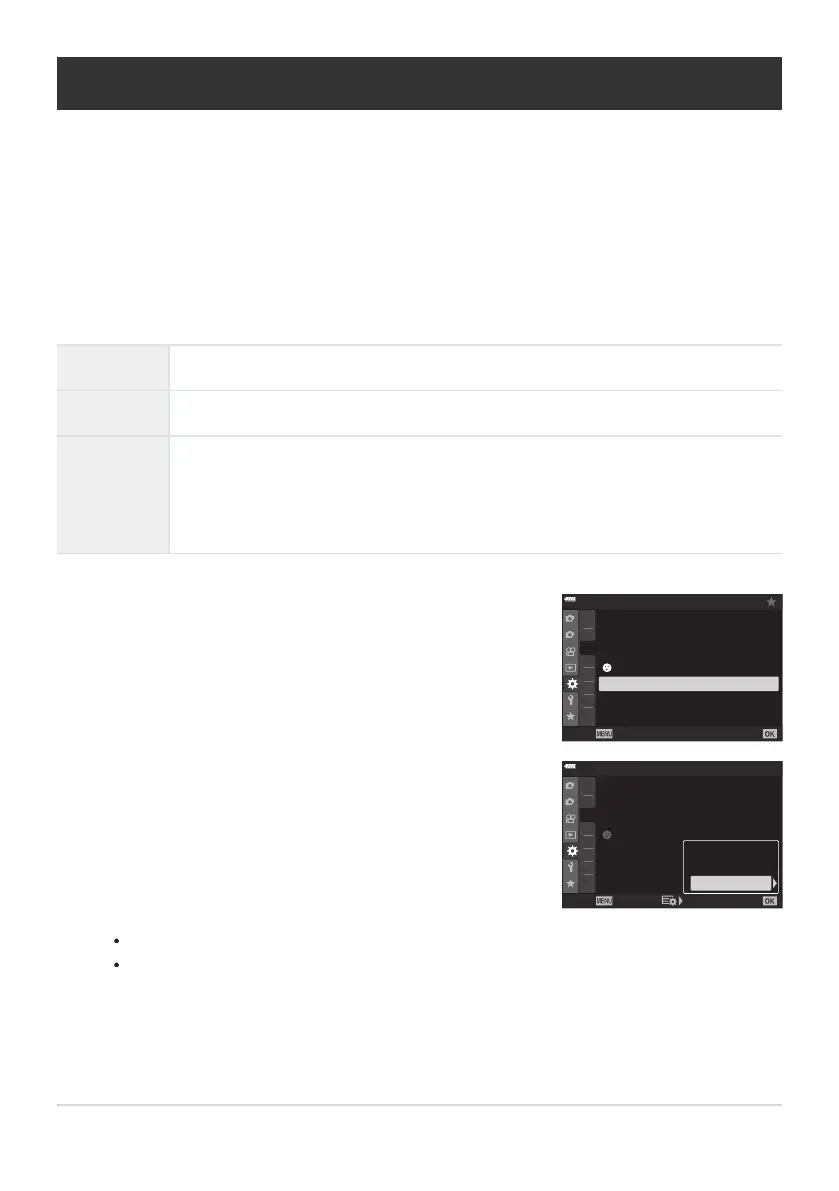
Highlight [AF Focus Adj.] in CCustom Menu
c and press
the I button.
1
2
A2
A3
A4
A1
B
C
1
C2
D1
A3
A3. AF/MF
On
Off
Off
Face Priority
AF Il
luminator
AF Limiter
Off
AF Targeting Pad
AF Focus Adj.
Off
Back Set
Highlight [Default Data] or [Lens Data] and press the I
butt
on.
1
2
A2
A3
A4
A1
B
C
1
C2
D1
A3
A3. AF/MF
On
Off
Off
Off
Off
Face
Priority
AF Illuminator
AF Limiter
AF Targeting Pad
AF Focus Adj.
Back
Set
Off
Default Data
Lens Data
Fine-Tuning Autofocus (AF Focus Adj.)
MENU Q C Q c Q [AF Focus Adj.]
Fine-tune phase-detection aut
ofocus. Focus can be fine-tuned by up to ±20 steps.
Normally there is no need to fine-tune autofocus using this item. Fine-tuning focus may prevent the
camera focusing normally.
Focus fine-tuning has no effect in [S‑AF] and [S‑AF J] modes.
This item is for still photography.
Off Fine-tuning disabled.
Default Data Fine-tune focus for all lenses.
Lens Data
Save fine-tuning values on a lens-by-lens basis. The camera can store fine-tuning
values for up to 20 lenses. Focus for individual lenses can be fine-tuned in specific
areas of the frame. In the case of zoom lenses, separate values can be stored for
long and short focal lengths.
If you selected [Default Data], proceed t
o Step5.
To disable fine-tuning, highlight [Off] and press the OK button.
313
Fine-Tuning Autofocus (AF Focus Adj.)
C
C
C
1.
2.



 To Next Page