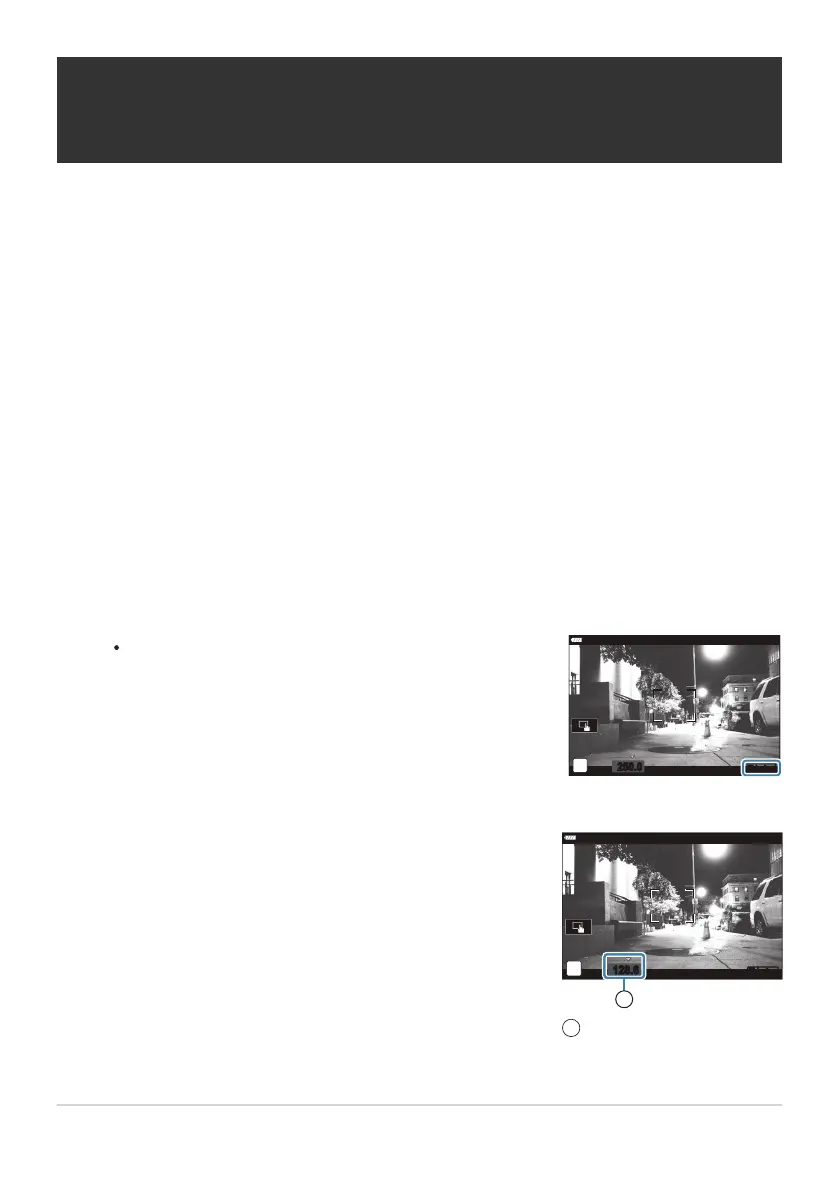
A o icon is displayed when flick
er scan is enabled.
Choose a shutter speed while viewing the display.
Shutter speed
1
Reducing Flicker Under LED Lighting
(nFlick
er Scan)
Banding may occur in movies filmed under LED lighting. Use [
nFlicker Scan] to optimize shutter
speed while viewing banding in the display.
This option is available in [nMode] (movie exposure modes) [S] and [M].
The range of available shutter speeds is reduced.
Select [S] or [M] for [n Mode] (movie exposure mode; P. 238).
Select [nMode Settings] in nVideo Menu and press the OK button.
Highlight [nFlicker Scan] and press I.
Highlight [On] using the FG buttons and press the OK button.
Press the MENU button repeatedly to exit the menu.
240
Reducing Flicker Under LED Lighting (nFlick
er
Scan)
C
C
1.
2.
3.
4.
5.
6.



 To Next Page