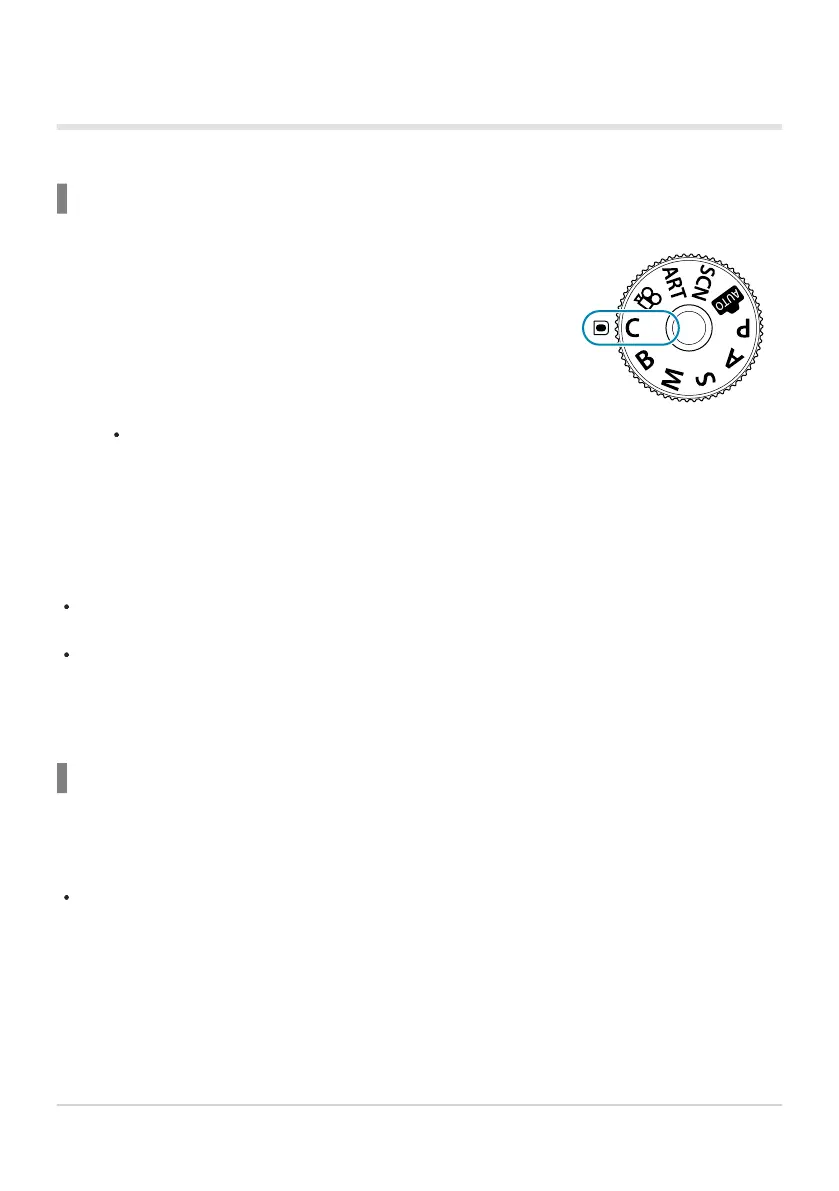
Rotate the mode dial to C.
Using Custom Modes (C)
To recall all saved settings, including the shooting mode:
Recalling Settings with the Mode Dial
The camera will recall the settings for [Custom Mode C] previously saved using [Reset /
Custom Modes]> [Assign to Custom Mode] in Shooting Menu 1 (P. 77).
Take pictures.
By default, changes made after recall will not be applied to the stored settings. The saved settings
will be restored when next you select the custom mode with the mode dial.
If [Hold] is selected for [Custom Mode Save Settings], custom modes will be updated
automatically to reflect any changes made to settings while the mode is selected during shooting.
The changes will remain stored in the custom mode even after the mode dial is rotated to another
setting. Custom modes can be used in much the same way as modes P, A, S, M, and B.
Recalling Saved Settings
In modes other than AUTO, SCN, ART, and n, you can recall the settings stored in custom modes
[Custom Mode C] through [Custom Mode C4] but not the shooting mode. The shooting mode
remains that currently selected with the mode dial.
Recalling settings with the mode dial rotated to C restores all saved settings, including the shooting
mode.
Press the MENU button to view the menus.
79
Saving Custom Settings to the Mode Dial (C
Cust
om mode)
1.
2.
1.



 To Next Page