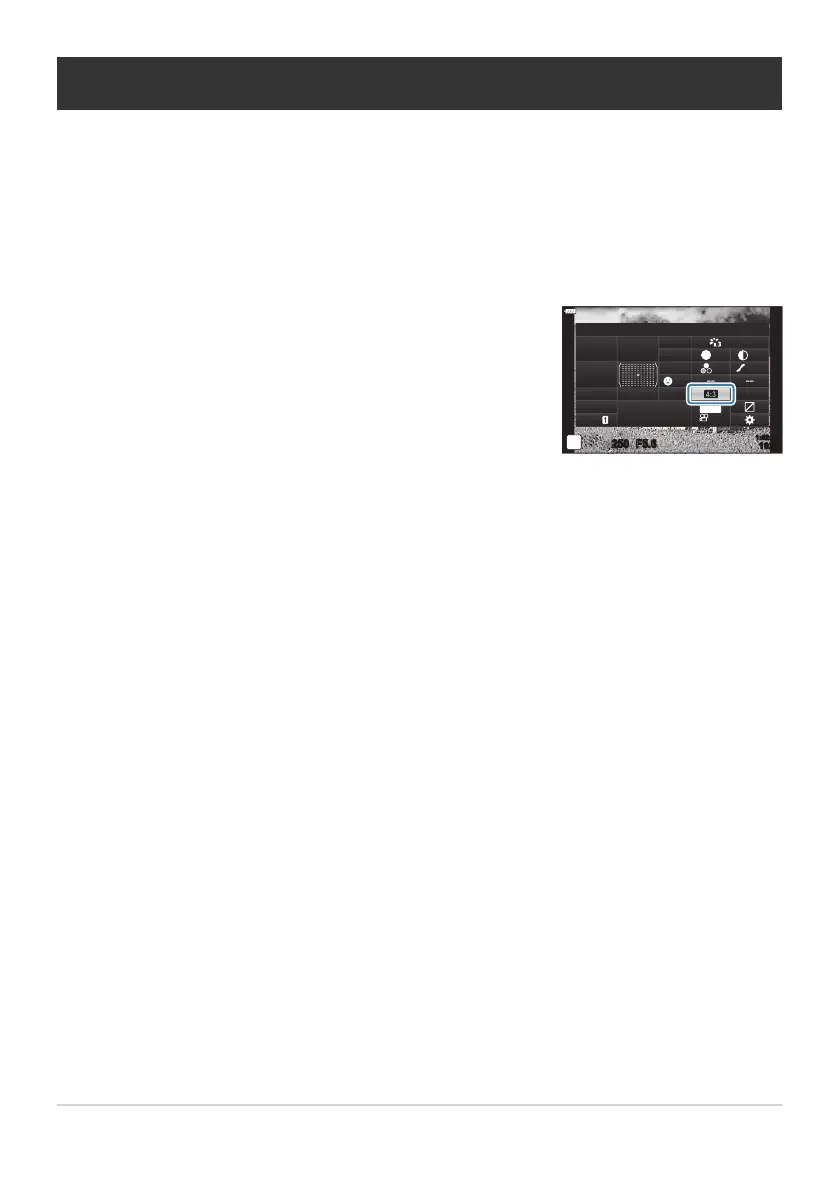
Highlight [Aspect] using the
FGHI buttons.
Aspect
sRGB
Natural
S
Normal
WB
Auto
ISO
Auto
±
0
A
±
0
±
0 ±
0
±
0
G
±
0
250 F5.6
p
o
S
-
AF
Off
30
p
30
p
4K
S-IS Auto
Y
F
#
±
0.0
#
1023
1:02:03
M-IS
Setting the image aspect
Choose the ratio of width t
o height for pictures according to your intent or your goals for printing or
the like. In addition to the standard aspect (width-to-height) ratio of [4:3], the camera offers settings
of [16:9], [3:2], [1:1], and [3:4].
Press the OK button to display the LV super control panel.
Use the front dial to select an option.
Image aspect can only be set for still images.
JPEG images are recorded at the selected aspect ratio. RAW images are the same size as the image
sensor and are recorded at an aspect ratio of [4:3] with a tag indicating the aspect ratio selected. A
crop indicating the selected aspect ratio is displayed when images are played back.
138
Setting the image aspect
1.
2.
3.
B
B



 To Next Page