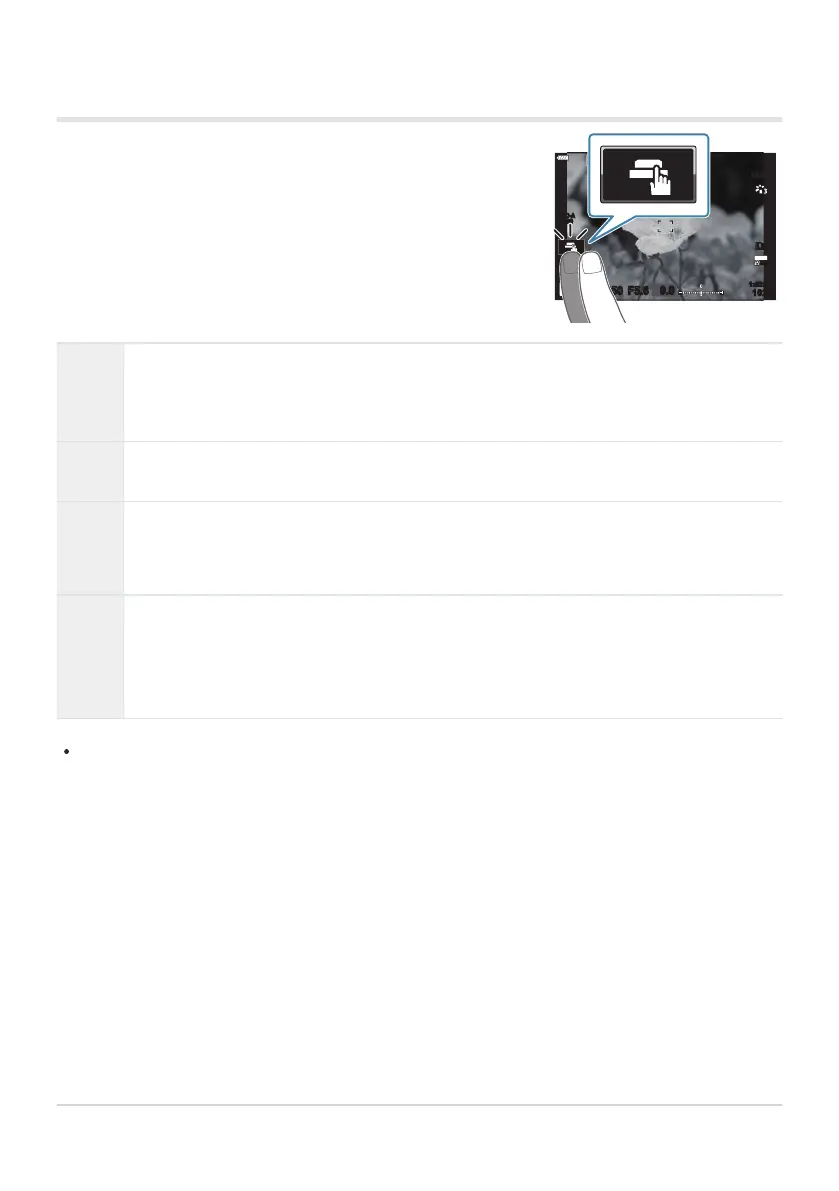
You can tap the subject to focus and take a photograph.
S-IS AUTOS-IS AUTO
250 F5.6
0.0
30
p
30
p
4K
YFYF
ISO-A
200
Shooting with touch screen operations
T
Tap a subject to focus and automatically release the shutter. This option is not available in
mode B (bulb), in n (movie) mode, or when [RAF] or [RAF J] is select
ed for AF
mode (
P. 118).
U
Shooting with touch screen operations is disabled.
V
Tap to display an AF target and focus on the subject in the selected area. You can use
the t
ouch scr
een to choose the position and size of the focus frame. Photographs can be
taken by pressing the shutter button.
L
Tap to choose the subject used for focus when multiple portrait subjects are detected.
L is displayed when an option other than [Off] is selected for [IFace Priority]
(P. 126). Subject selection is not available when [0] (high-speed movie recording) is
selected for [nX] in n (movie) mode (P. 141).
Tapping an icon switches the settings.
Do not t
ouch the display with y
our fingernails or other sharp objects.
Gloves or monitor covers may interfere with touch screen operation.
46
Shooting still pictures
C
C



 To Next Page