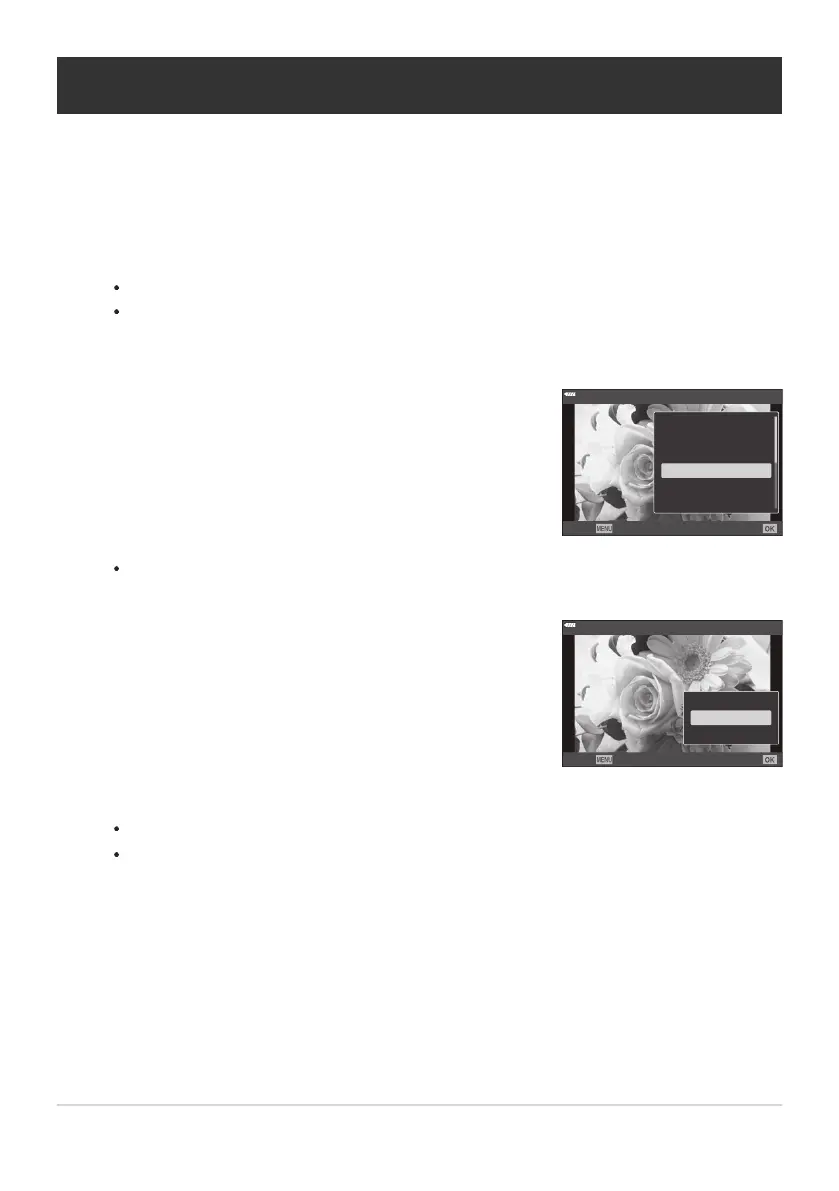
Select [c] and press the OK button.
JPEG
JPEG Edit
Shar
e Order
0
R
Rotate
<
Back
Set
Select [cStar
t] and press the OK button to begin recording.
Adding Audio to Pictures (c)
You can r
ecord audio using the built-in stereo microphone or an optional external microphone and
add it to pictures. The recorded audio provides a simple replacement for written notes about the
pictures. Audio recordings can be up to 30s long.
Display the image to which you want to add audio and press the OK button.
Audio recording is not available with protected images.
Audio can also be added to pictures using the [Edit] option in the playback menu. Use [Edit]
> [Sel. Image] to select the picture, then press the OK button and select [c].
To exit without adding audio, select [No].
Press the OK button to end recording.
Pictures with audio are indicated by H icons and indicators showing the recording rate.
To delete recorded audio, select [Erase] in Step3.
Audio is recorded at the rate selected for movies. The rate can be selected using [Moviec] in the
nVideo Menu (P. 246).
196
Adding Audio to Pictures (c)
1.
2.
3.
4.
B



 To Next Page