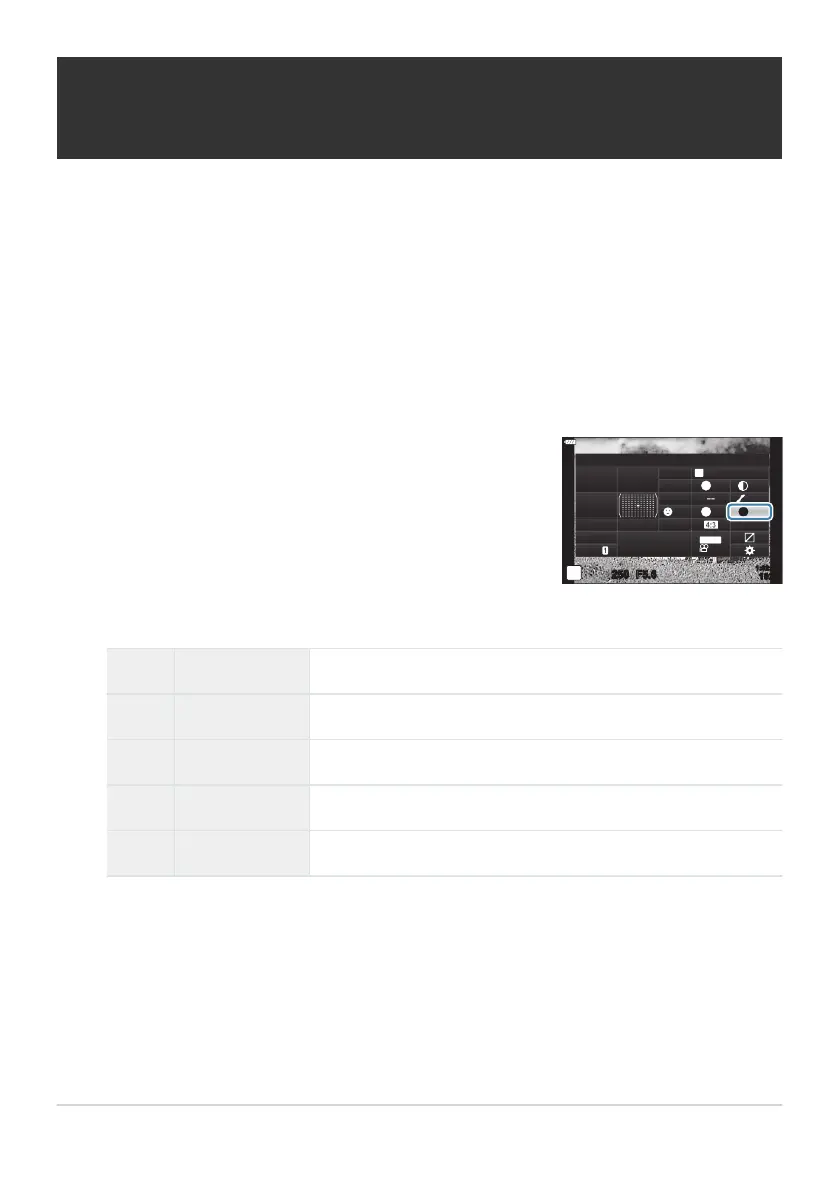
Highlight [Monochr
ome Color] using the
FGHI buttons.
Monochrome Color
M
Monochrome
sRGB
WB
Auto
ISO
Auto
A
±
0
G
±
0
250 F5.6
p
N
F
Normal
N
T
S
±
0 ±
0
o
S
-
AF
Off
30
p
30
p
4K
S-IS Auto
Y
F
#
±
0.0
#
1023
1:02:03
M-IS
Adjusting the tone of a monochrome image
(Monochrome Color)
Choose the tint used for pictur
es taken with [Monochrome] selected for picture mode (P. 154).
Press the OK button to display the LV super control panel.
Highlight [Picture Mode] using the FGHI buttons.
Select [Monochrome] using the front dial.
Use the front dial to select an option.
N N:Normal Creates a normal black and white image.
S S:Sepia Shoot in sepia-tinted monochrome.
B B:Blue Shoot in blue-tinted monochrome.
P P:Purple Shoot in purple-tinted monochrome.
G G:Green Shoot in green-tinted monochrome.
163
Adjusting the tone of a monochrome image
(Monochrome Color)
1.
2.
3.
4.
5.



 To Next Page