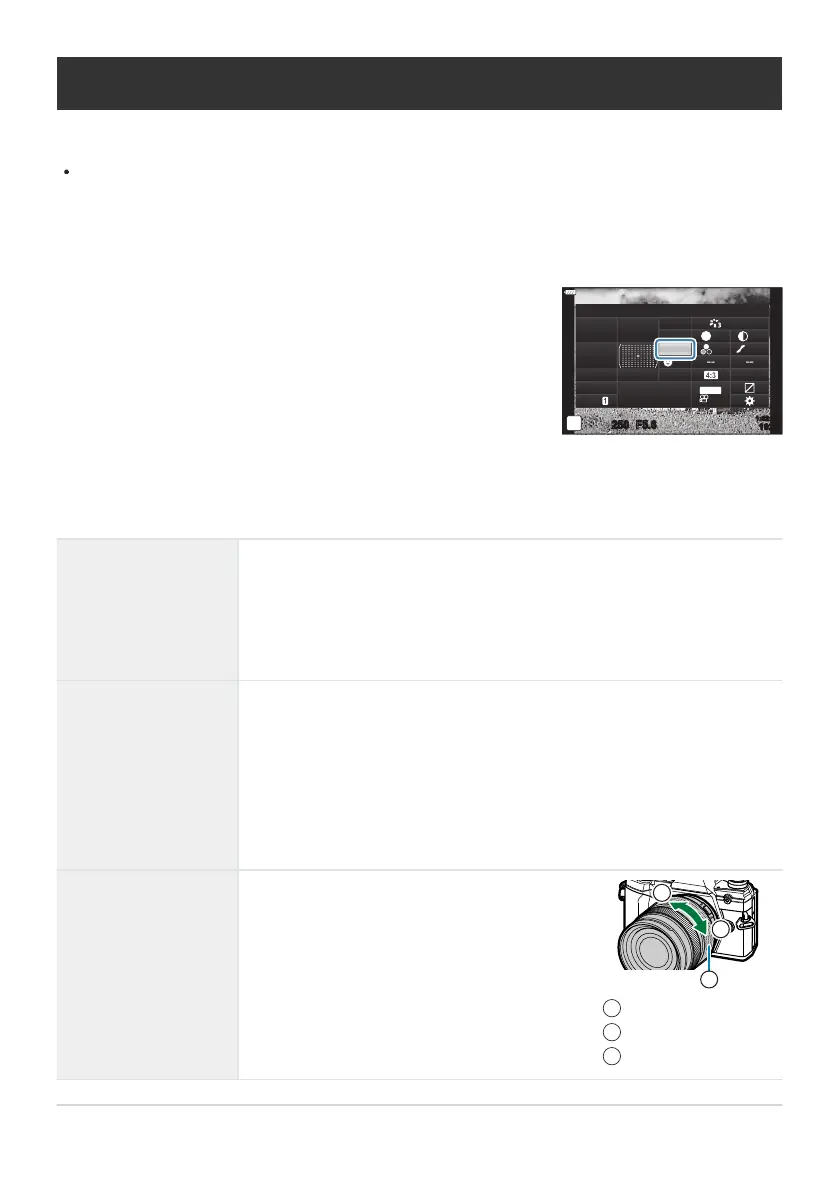
Highlight [AF Mode] using the FGHI buttons.
K
A
F Mode
sRGB
Natural
S
Normal
WB
Auto
ISO
Auto
±
0
A
±
0
±
0 ±
0
±
0
G
±
0
250 F5.6
p
o
S
-
AF
Off
30
p
30
p
4K
S-IS Auto
Y
F
#
±
0.0
#
1023
1:02:03
M-IS
This function allows you to manually focus on
any position by operating the focus ring on the
lens.
Near
∞
Focus ring
1
2
3
Choosing a focus mode (AF Mode)
Y
ou can select a focusing method (focus mode).
Y
ou can choose separate focusing methods for still photography mode and movie mode.
Press the OK button to display the LV super control panel.
Use the front dial to select an option.
S-AF (Single AF)
The camera focuses once when the shutter button is pressed halfway.
During still phot
ography
, a beep will sound and the in-focus indicator and
AF target will light when the camera focuses. When the camera focuses in
movie mode, the in-focus indicator and AF target will light. This mode is
suitable for shots featuring stationary or comparatively static subjects.
C-AF (Continuous AF)
During still photography, the camera will adjust focus continuously while
the shutter button is pressed halfway. The in-focus indicator is displayed
when the subject is in focus. In addition, a beep will sound when
the camera focuses for the first time. In movie mode, the camera will
adjust focus continuously both before and during filming. Even if the
subject moves or you change the composition of the picture, the camera
continues trying to focus.
MF (manual focus)
118
Choosing a focus mode (AF Mode)
1.
2.
3.



 To Next Page