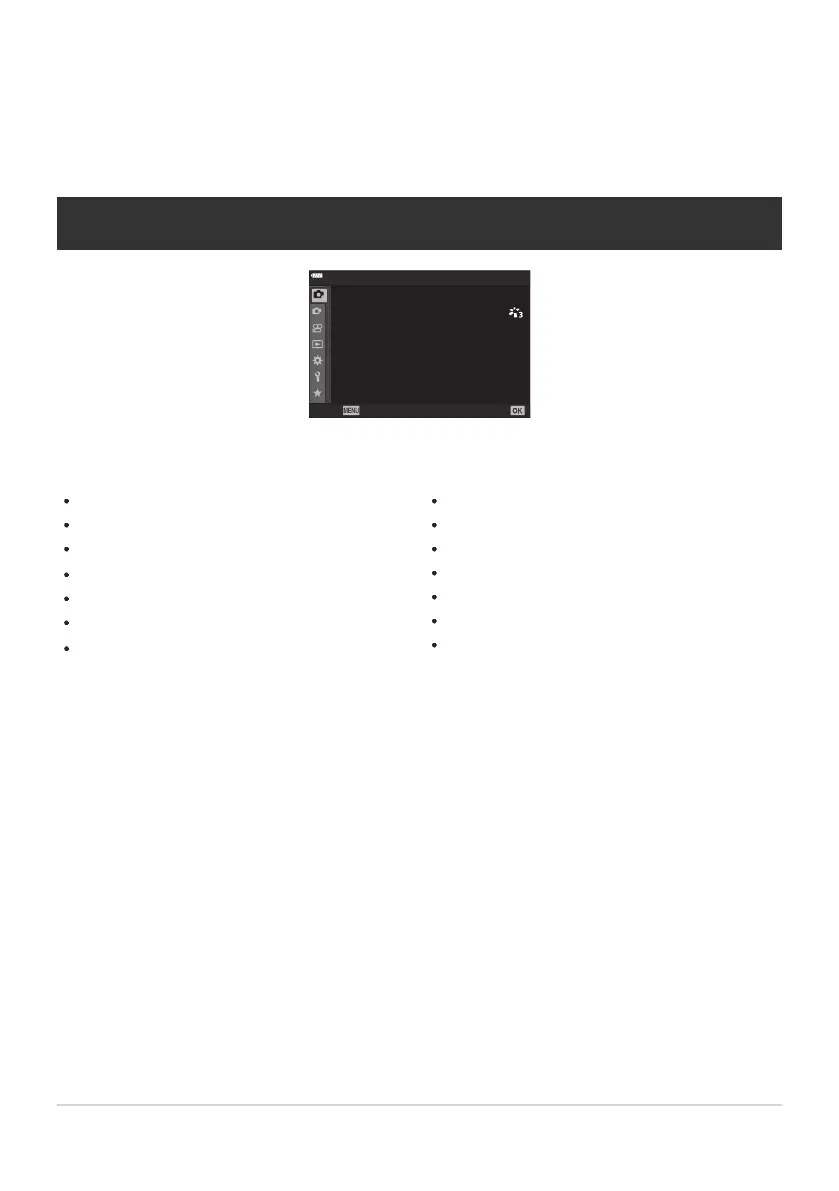
6 Shooting Menu1
Reset / Cust
om Modes (P. 77, P. 204)
Picture Mode (P. 154, P. 206)
KX (P. 139, P. 207)
Image Aspect (P. 138)
Digital Tele-converter (P. 208)
g/Y(drive; P. 101, P. 104)
Intrvl. Sh./Time Lapse (P. 209)
7Shooting Menu2
High Res Shot (
P. 212)
Live ND Shooting (P. 213)
Bracketing (P. 216)
HDR (P. 224)
Multiple Exposure (P. 227)
Keystone Comp. (P. 230)
Anti-Shock H/Silent I (P. 232)
Using Shooting Menu1/Shooting
Menu2
Shooting Menus1 and 2
1
2
1
4:3
Off
o
Off
Y
F
Back Set
Shooting Menu 1
K
K
Picture Mode
Reset / Custom Mo
des
Intrvl. Sh./Time Lapse
j
/
Y
Image Aspect
Digital Tele-converter
203
Shooting Menus1 and 2



 To Next Page