gh Release/g/Image S
tabilizer
g Release/g/Image Stabilizer
MENU Q C Q g
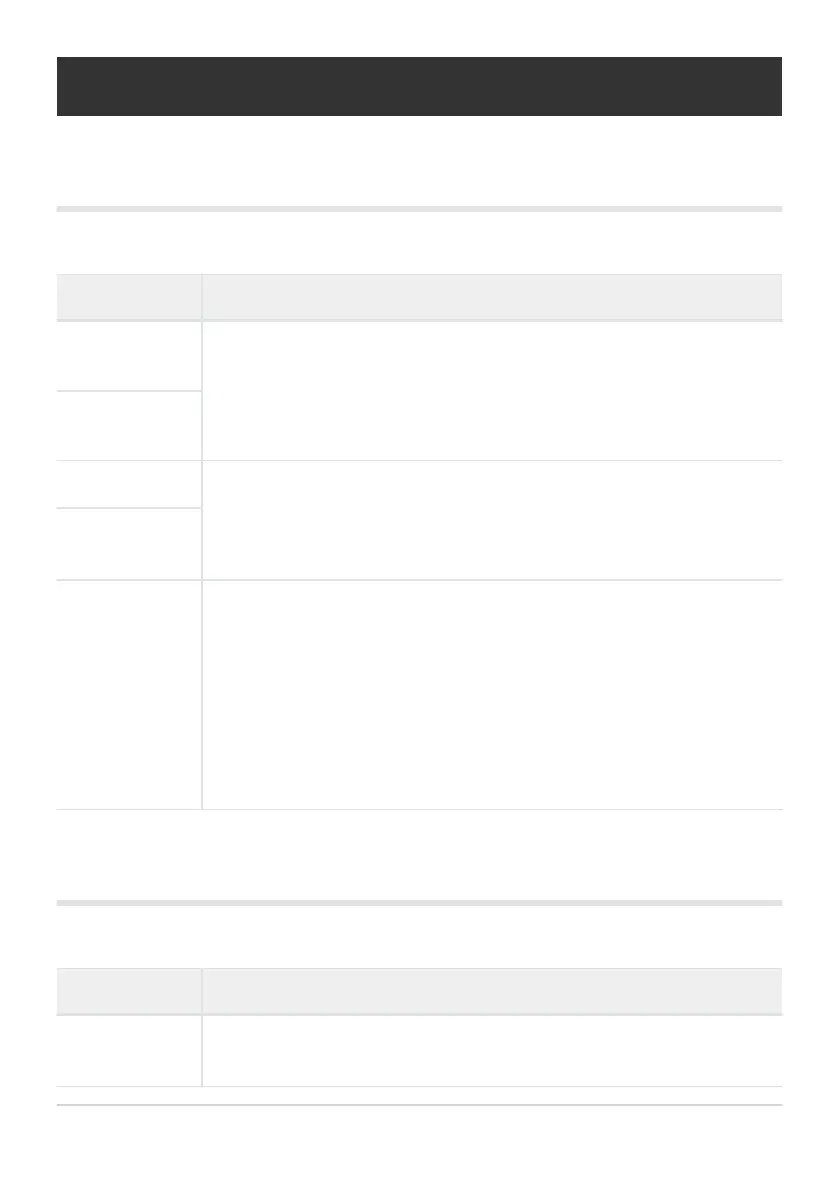
Option Description
S‑AF Release
Priority
If [On] is selected, the shutt
er can be released even when the camera is not in
focus. This option can be set separately for S‑AF and C‑AF modes (P. 118).
Regardless of the option selected, [S‑AF Release Priority] is used when [R
AF] is selected for AF mode.
C‑AF Release
Priority
gLSettings Choose frame advance rates and shot limits for [g], [F], and [B]
modes. Y
ou can also adjust Pr
o Capture settings, including the frame advance
rate, number of frames buffered, and the shot limit. Figures for sequential
shooting speed are the approximate maximums (P. 322).
gHSettings
Flicker Reduction
Reduce flicker in photos taken under fluorescent or other artificial lighting
(P. 325).
[Anti-Flicker LV]: Reduce flicker during live view under some kinds of lighting,
including fluorescent lamps. If [Auto] does not have the desired effect, select
[50Hz] or [60Hz] according to the frequency of the local power supply.
[Anti-Flicker Shooting]: The camera automatically detects the flicker
frequency and times the shutter release accordingly.
h Release/g/Image Stabilizer
MENU
Q C Q h
Option Description
KImage
Stabilizer
Adjust image stabilization settings for still phot
ography (P. 134
).
277
gh Release/g/Image Stabilizer
C



 To Next Page