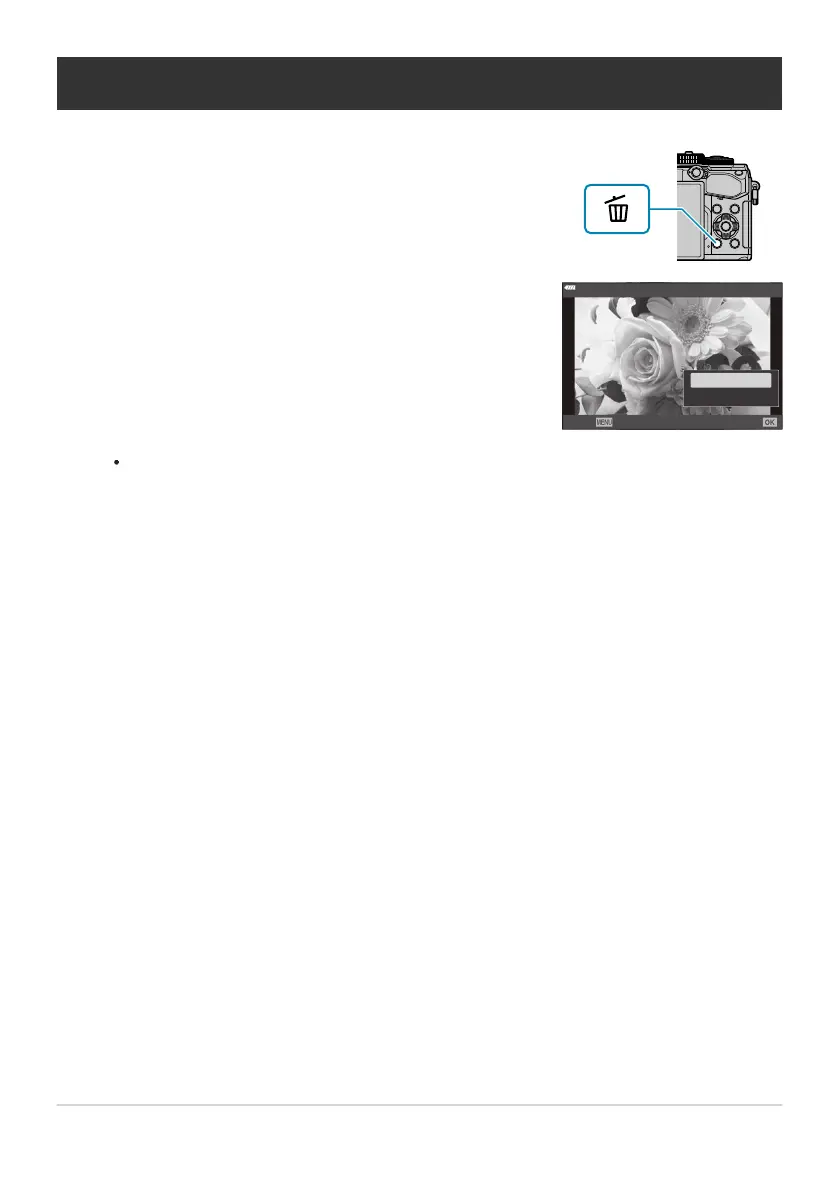
Display an image you want to delete and press the D button.
Highlight [Yes]
and press the OK button.
Deleting Pictures (Erase)
The image will be deleted.
Y
ou can erase images without the confirmation step by changing the button settings.
gCCustom Menuq> [Quick Erase] (P. 292)
You can choose whether deleting pictures recorded in RAW+JPEG image quality modes deletes
both copies, only the JPEG copy, or only the RAW copy. gCCustom Menu q> [RAW+JPEG
Erase] (P. 292)
189
Deleting Pictures (Erase)
1.
2.
B
B



 To Next Page