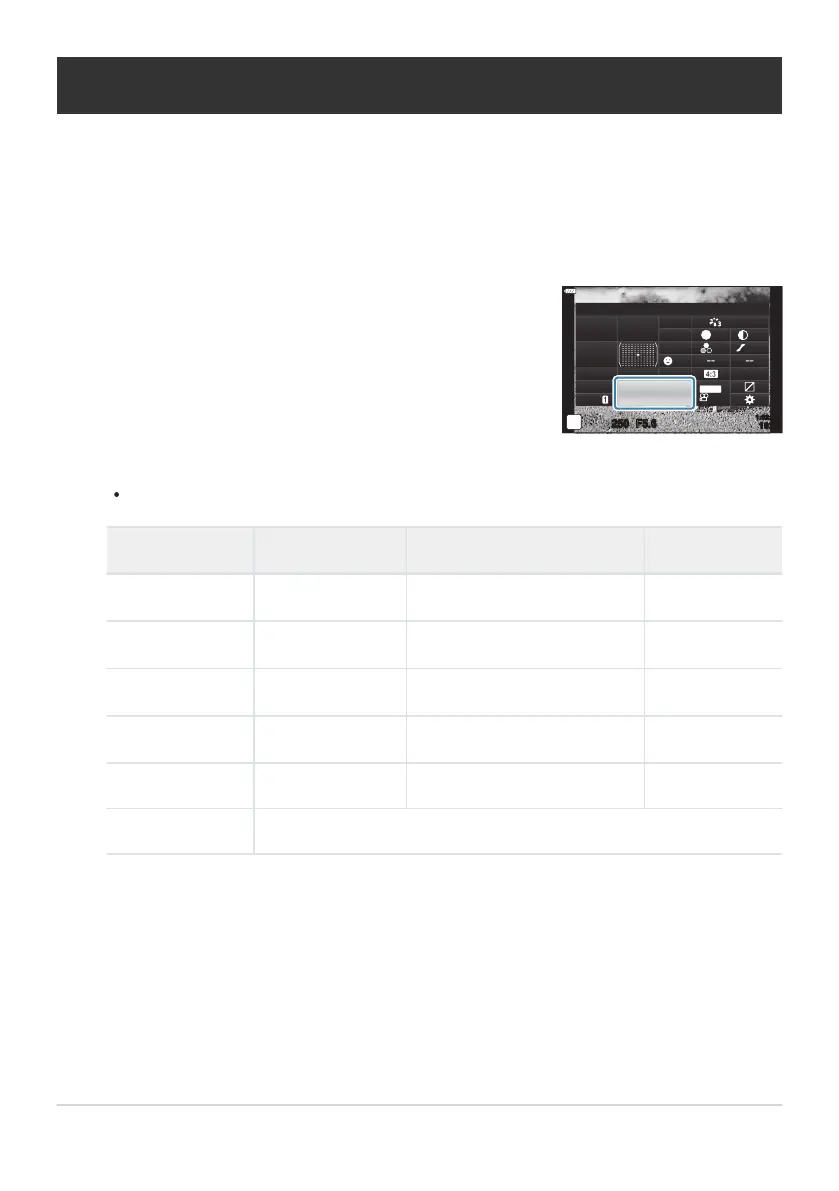
Highlight [KX] using the FGHI buttons.
sRGB
Natural
S
Normal
WB
Auto
ISO
Auto
±
0
A
±
0
±
0 ±
0
±
0
G
±
0
K
K
250
1023
1:02:03
F5.6
p
o
S
-
AF
Off
30
p
30
p
4K
S-IS Auto
Y
F
#
±
0.0
#
M-IS
Photo File and Image Size Options (KX)
You can set an image quality mode for still images. Select a quality suitable for the application (such as
for pr
ocessing on PC, use on website etc.).
Press the OK button to display the LV super control panel.
Use the front dial to select an option.
Choose from the following options.
Option Image size Compression rate File format
LSF
5184× 3888 SuperFine (1/2.7) JPG
LF
5184× 3888 Fine (1/4) JPG
LN
5184× 3888 Normal (1/8) JPG
MN
3200×2400 Normal (1/8) JPG
RAW 5184×3888 Lossless compression ORF
RAW+JPEG RAW plus the JPEG option selected above
The image size/compression combinations available can be selected in the menus.
gCCust
om Menu
G> [XSet] (P. 288)
The options available during high resolution shooting (P. 109) are IF, JF, IF+RAW, and
JF+RAW.
Selecting High Res Shot changes the image quality option selected; be sure to check the
image quality setting before shooting.
139
Photo File and Image Size Options (KX)
1.
2.
3.
B
B
C



 To Next Page