Press HI to select a frame y
ou want to add to the print order
and then press FG to choose the number of prints.
Print order (DPOF)
You can sav
e digital “print orders” to the memory card listing the pictures to be printed and the
number of copies of each print. You can then have the pictures printed at a print shop that supports
DPOF. A memory card is required when creating a print order.
Creating a print order
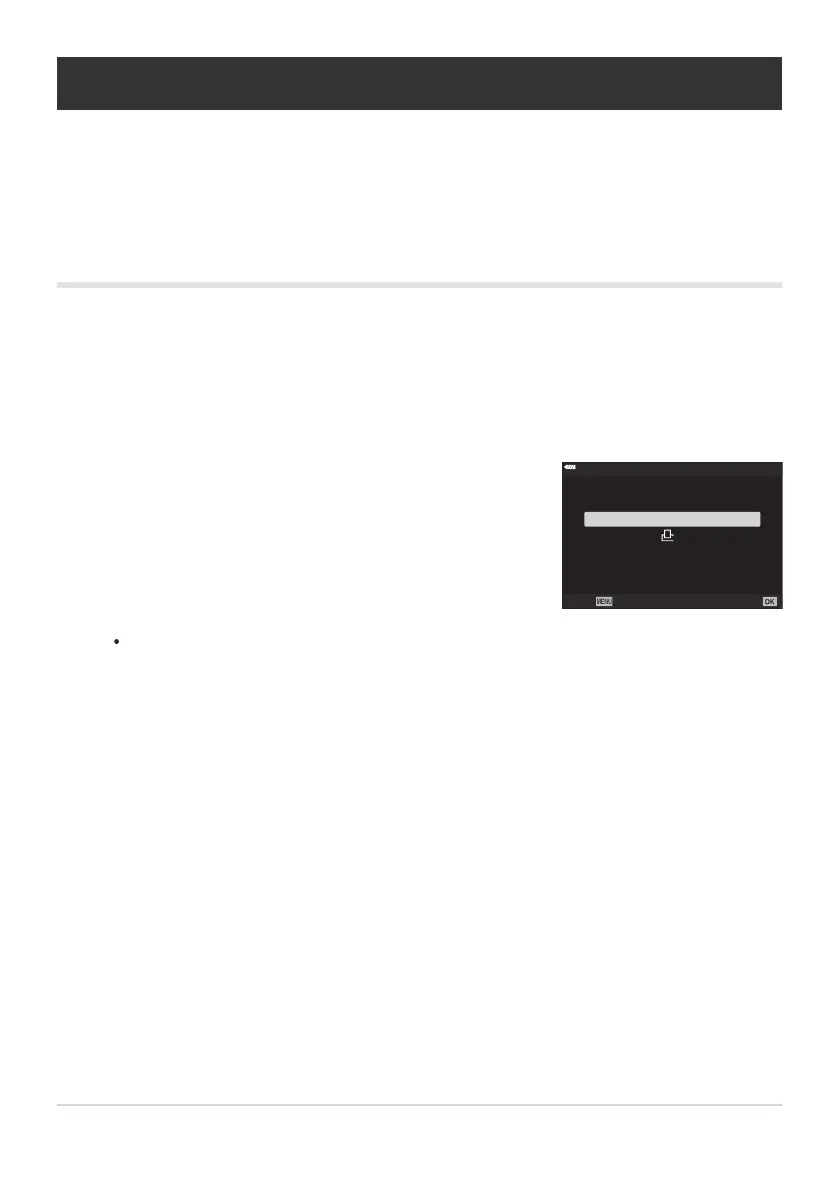
Press the OK button during playback and select [Print Order].
Select [N] or [O] and press the OK button.
Individual pictures
Repeat this step as desired to add more more pictures to the print order. Press the OK
button when all the desired pictures have been selected.
All pictures
Select [O] and press the OK button.
193
Print order (DPOF)
1.
2.



 To Next Page