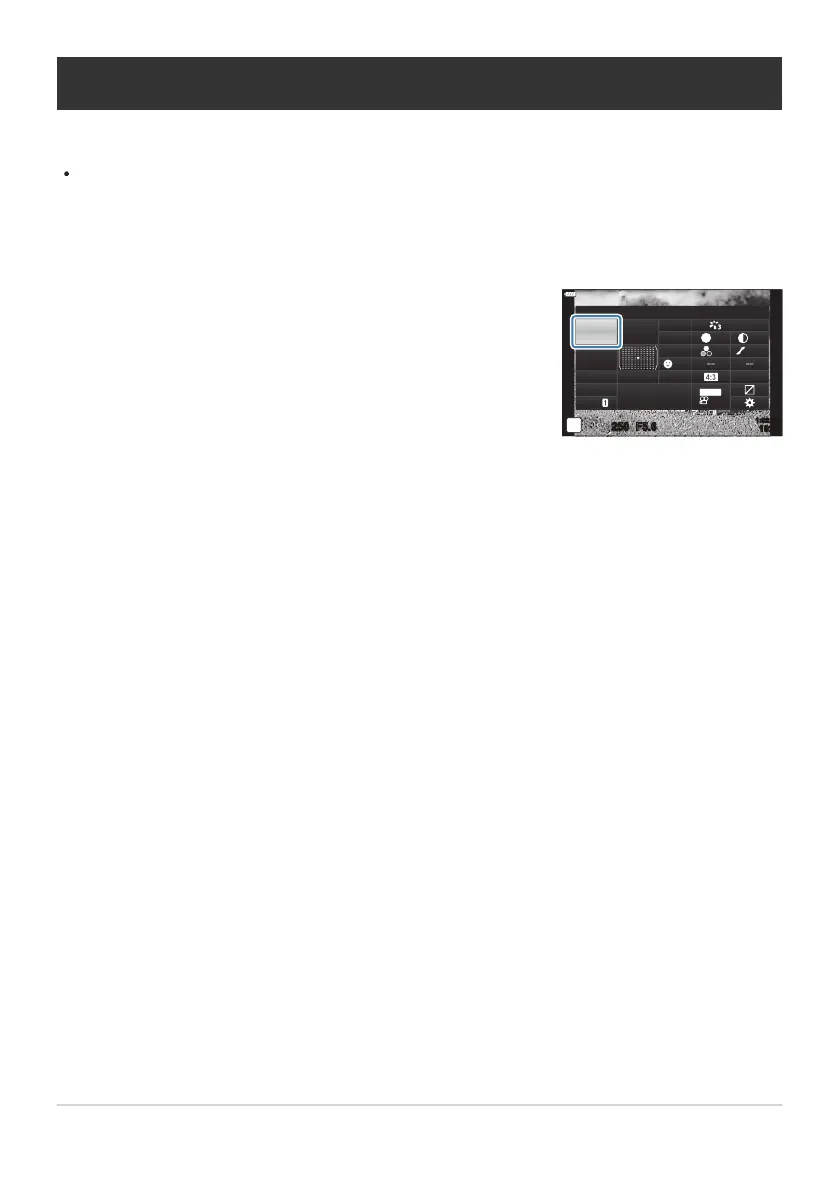
Highlight [ISO] using the FGHI butt
ons.
K
R
ecommended ISO
sRGB
Natural
S
Normal
WB
Auto
ISO
Auto
±
0
A
±
0
±
0 ±
0
±
0
G
±
0
250 F5.6
p
o
S
-
AF
Off
30
p
30
p
4K
S-IS Auto
Y
F
#
±
0.0
#
1023
1:02:03
M-IS
Changing ISO sensitivity (ISO)
Adjust ISO sensitivity.
g“Changing ISO sensitivity (ISO)” (P. 98)
Separate options can be selected for still photography and movie mode.
Press the OK button to display the LV super control panel.
Use the front dial to select an option.
117
Changing ISO sensitivity (ISO)
1.
2.
3.



 To Next Page