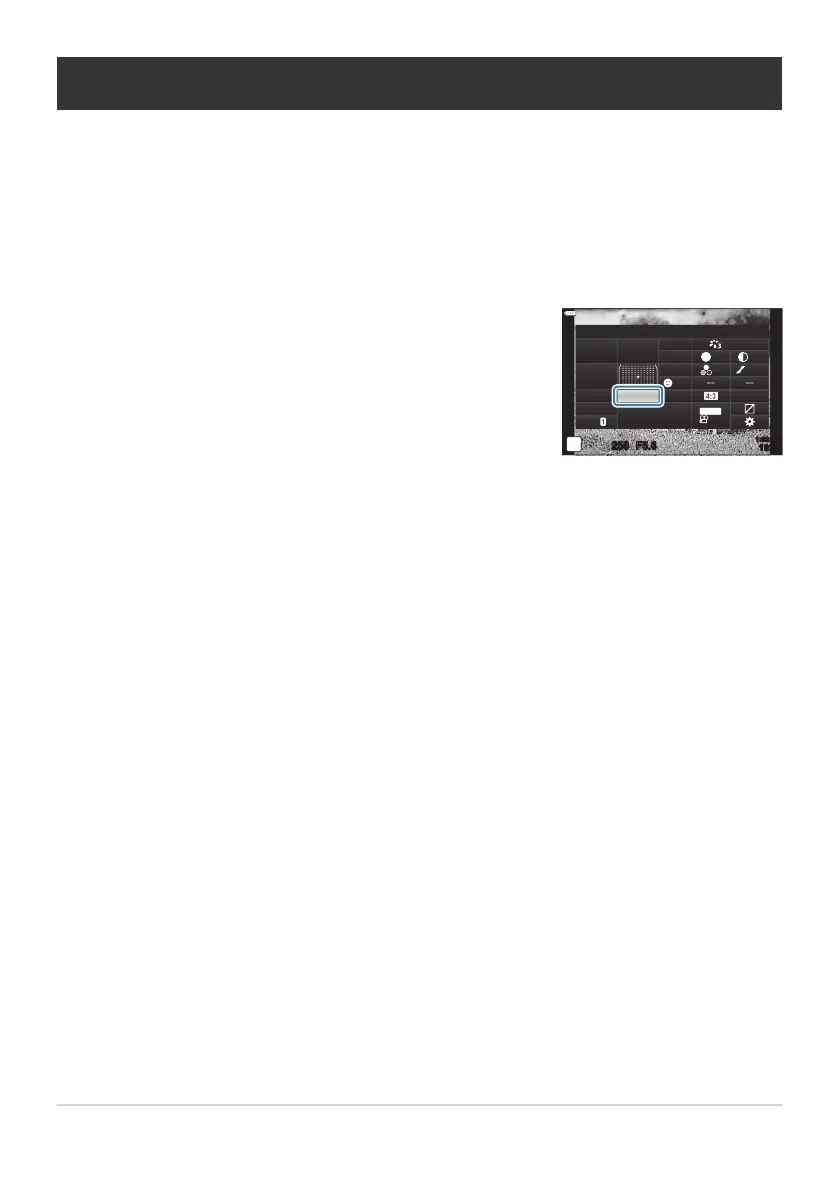
Highlight the sequential shooting/self-timer icon using the
FGHI buttons.
Single
sRGB
Natural
S
Normal
WB
Auto
ISO
Auto
±
0
A
±
0
±
0 ±
0
±
0
G
±
0
250 F5.6
p
o
S
-
AF
Off
30
p
30
p
4K
M-IS
S-IS Auto
Y
F
#
±
0.0
#
1023
1:02:03
Performing the sequential/self-timer shooting
You can tak
e a series of pictures by keeping the shutter button pressed all the way down. Alternatively,
you can take pictures using the self-timer. Other options, including anti-shock and silent modes, are
also available. g“Performing the sequential/self-timer shooting” (P. 101)
Press the OK button to display the LV super control panel.
Use the front dial to select an option.
137
Performing the sequential/self-timer shooting
1.
2.
3.



 To Next Page