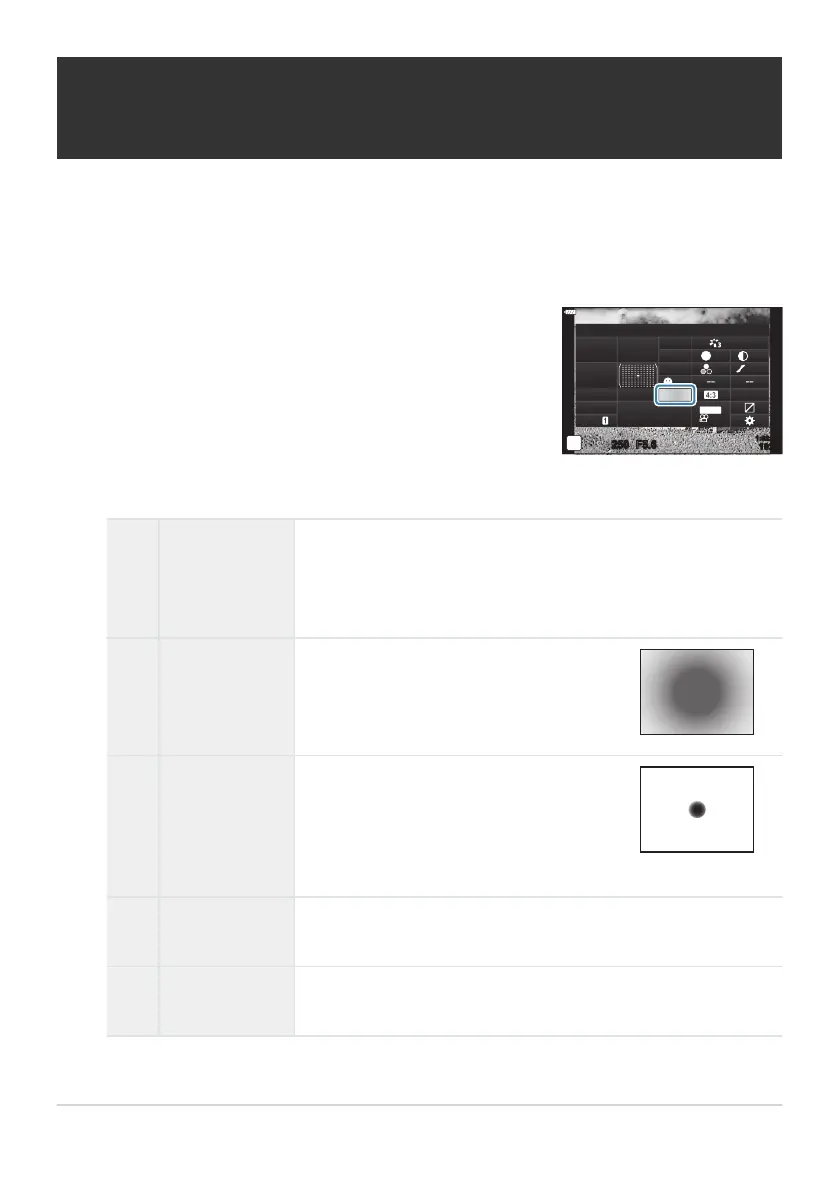
Highlight [Meter
ing] using the FGHI buttons.
Metering
sRGB
Natural
S
Normal
WB
Auto
ISO
Auto
±
0
A
±
0
±
0 ±
0
±
0
G
±
0
250 F5.6
p
o
S
-
AF
Off
30
p
30
p
4K
S-IS Auto
Y
F
#
±
0.0
#
1023
1:02:03
M-IS
Provides the average metering between
the subject and the back
ground lighting,
placing more weight on the subject at the
center.
Meters a small area (about 2% of the
frame) with the camera pointed at the
object y
ou wish to meter. Exposure will be
adjusted according to the brightness at the
metered point.
Choosing how the camera measures
brightness (Met
ering)
You can choose how the camera meters subject brightness.
Press the OK button to display the LV super control panel.
Use the front dial to select an option.
A
Digital ESP
metering
Met
ers exposure in 324 areas of the frame and optimizes
exposure for the curr
ent scene or portrait subject (if an option
other than [Off] is selected for [I Face Priority]). This mode is
recommended for general use.
B
Center
weight
ed
averaging
metering
C
Spot metering
D
Spot metering
(highlight)
Increases spot metering exposure. Ensures bright subjects appear
bright.
E
Spot metering
(shadow)
Lowers spot metering exposure. Ensures dark subjects appear
dark.
124
Choosing how the camera measures brightness
(Metering)
1.
2.
3.



 To Next Page