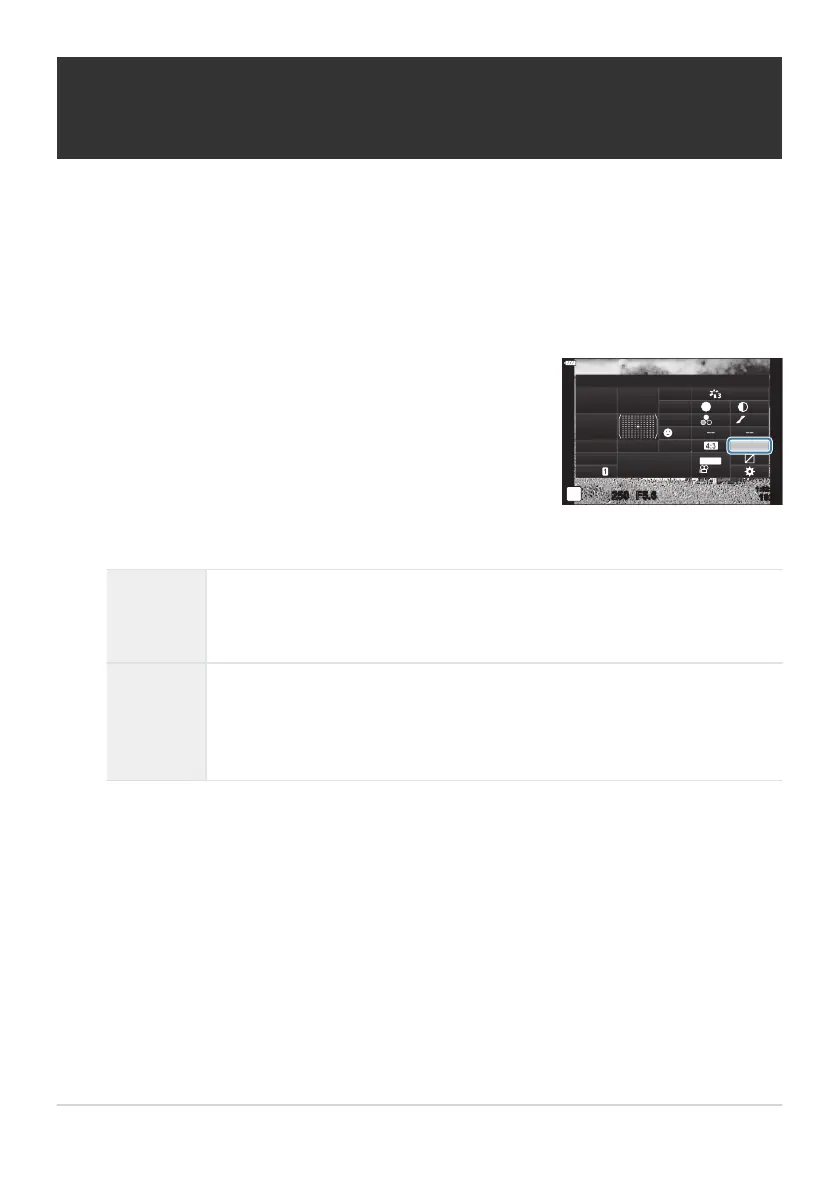
Highlight [Color Sp
ace] using the
FGHI buttons.
Color Space
sRGB
Natural
S
Normal
WB
Auto
ISO
Auto
±
0
A
±
0
±
0 ±
0
±
0
G
±
0
250 F5.6
p
o
S
-
AF
Off
30
p
30
p
4K
S-IS Auto
Y
F
#
±
0.0
#
1023
1:02:03
M-IS
Setting the color reproduction format (Color
Space)
Y
ou can select a format to ensure that colors are correctly reproduced when shot images are
regenerated on a monitor or using a printer. This option is equivalent to the [Color Space] in
CCustom MenuG (P. 288).
Press the OK button to display the LV super control panel.
Use the front dial to select an option.
sRGB
The color space standardized by an international standards organization. It
is widely support
ed across displays, printers, digital cameras, and computer
applications. This setting is recommended in most circumstances.
AdobeRGB
It can reproduce a wider gamut of colors than sRGB. Accurate color
reproduction is available only with software and devices (displays, printers,
and the like) that support this standard. An underscore (“_”) appears at the
beginning of the file name (e.g., “_xxx0000.jpg”).
[AdobeRGB] is not available in AUTO, SCN, ART, HDR, or movie (n) mode.
165
Setting the color reproduction format (Color
Space)
1.
2.
3.
C



 To Next Page