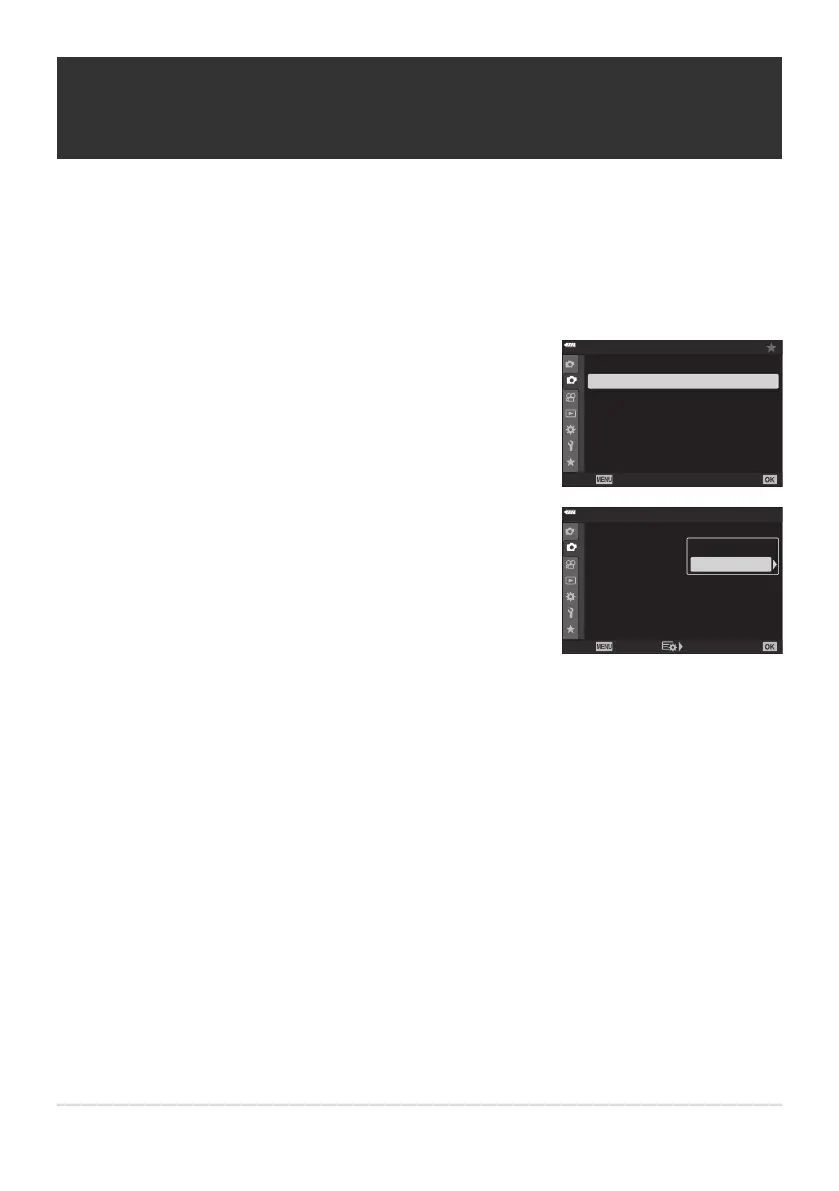
Highlight [Live ND Shooting] in
7Shooting Menu2 and
press the OK button.
1
2
2
Off
Off
Off
Off
Shooting Menu 2
Keystone Comp.
Multiple Exposur
e
HDR
Bracketing
Back
Set
Anti-Shock r/Sil
ent s
Off
High Res Shot
Live ND Shooting
Highlight [On] using the FG buttons and press the I
button.
1
2
2
Off
Off
Off
Off
Shooting Menu 2
Keystone Comp.
Multiple Exposur
e
HDR
Bracketing
Back
Set
Anti-Shock r/Sil
ent s
Off
High Res Shot
Live ND Shooting
Off
On
Slowing the Shutter in Bright Light (Live ND
Shooting)
The camera makes a series o
f exposures and combines to create a single photo that appears to have
been taken at a slow shutter speed.
This option is available in modes S and M.
Changing exposure compensation or shutter speed resets the [LV Simulation] display.
213
Slowing the Shutter in Bright Light (Live ND
Shooting)
C
C
1.
2.



 To Next Page