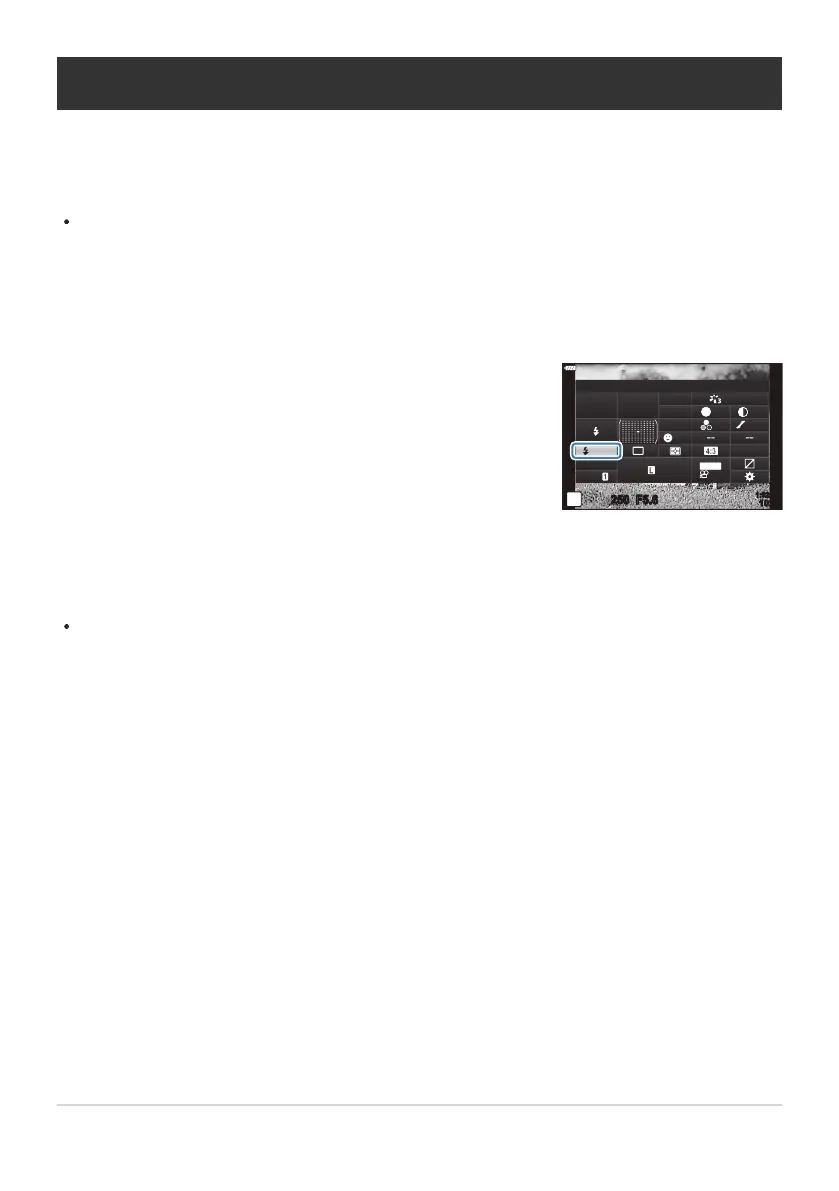
Highlight [7] using the FGHI buttons.
x
1:02:03
sRGB
Natural
S
-
AF
S
Normal
WB
Auto
ISO
Auto
±
0
A
±
0
±
0.0
±
0 ±
0
±
0
G
±
0
P
250 F5.6
S-IS AUTO
1023
30
p
30
p
4K
M-IS
F
Off
Adjusting flash output (Flash intensity control)
Flash output can be adjusted if y
ou find that your subject is overexposed, or is underexposed even
though the exposure in the rest of the frame is appropriate. Flash compensation is available in modes
other than [AManual] (manual).
When [AManual] is selected, you can adjust flash output by pressing G to select [AFULL] and
then rotating the front dial.
Press the OK button to display the LV super control panel.
Use the front dial to select an option.
Changes to flash intensity made with the external flash unit are added to those made with the
camera.
153
Adjusting flash output (Flash intensity control)
1.
2.
3.



 To Next Page