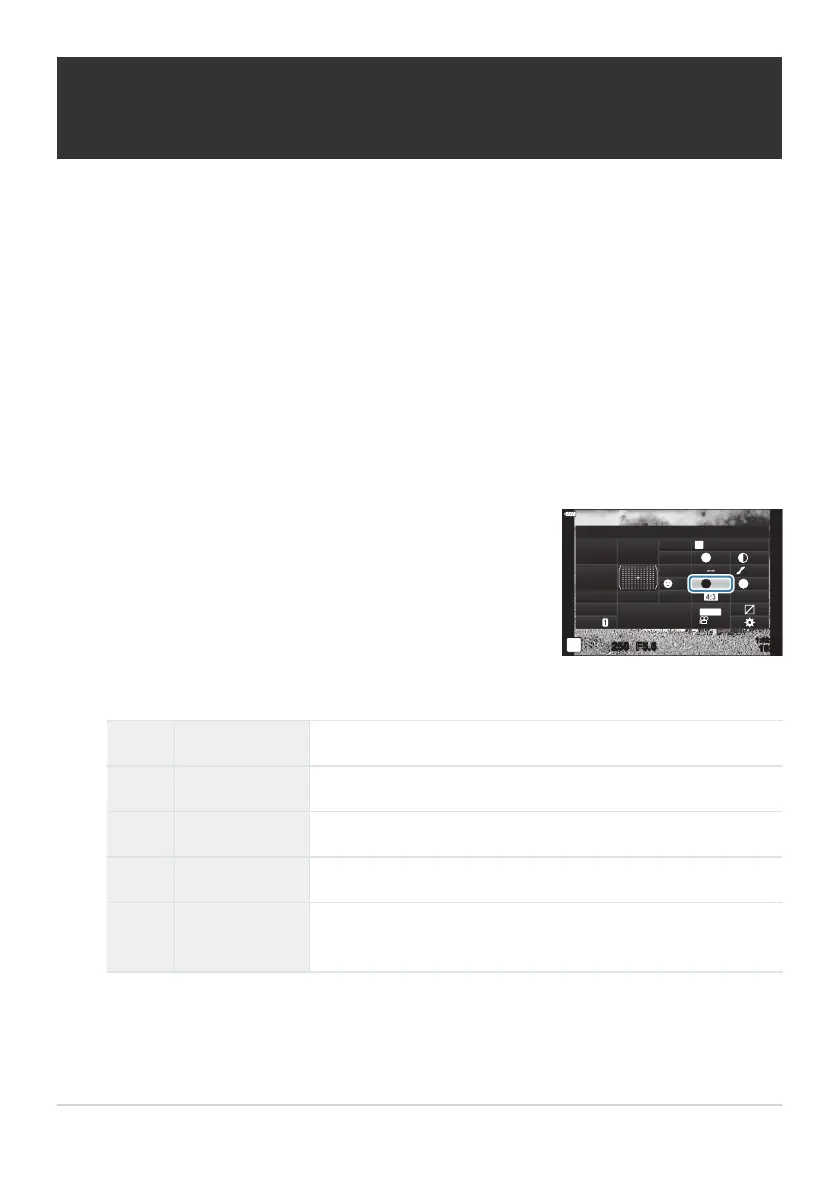
Highlight [Color Filt
er] using the
FGHI buttons.
Color Filter
M
Monochrome
sRGB
WB
Auto
ISO
Auto
A
±
0
G
±
0
250 F5.6
p
N
F
Normal
N
T
S
±
0 ±
0
o
S
-
AF
Off
30
p
30
p
4K
S-IS Auto
Y
F
#
±
0.0
#
1023
1:02:03
M-IS
Applying filter effects to monochrome
pictures (Color Filt
er)
Color filter effects can be added when [Monochrome] is selected for picture mode (P. 154).
Depending on the color of the subject, color filter effects can make subjects brighter or enhance
contrast. Orange adds more contrast than yellow, red more contrast than orange. Green is a good
choice for portraits and the like.
Press the OK button to display the LV super control panel.
Highlight [Picture Mode] using the FGHI buttons.
Select [Monochrome] using the front dial.
Use the front dial to select an option.
N N:None No filter effect.
Ye Ye:Yellow Reproduces clearly defined white cloud with natural blue sky.
Or Or:Orange Slightly brings out blue skies or the light of the setting sun.
R R:Red Further brings out blue skies or autumn foliage.
G G:Green
Adds warmth to skin tones in portraits. The green filter also
emphasizes the reds in lipstick
.
162
Applying filter effects to monochrome pictures
(Color Filter)
1.
2.
3.
4.
5.



 To Next Page