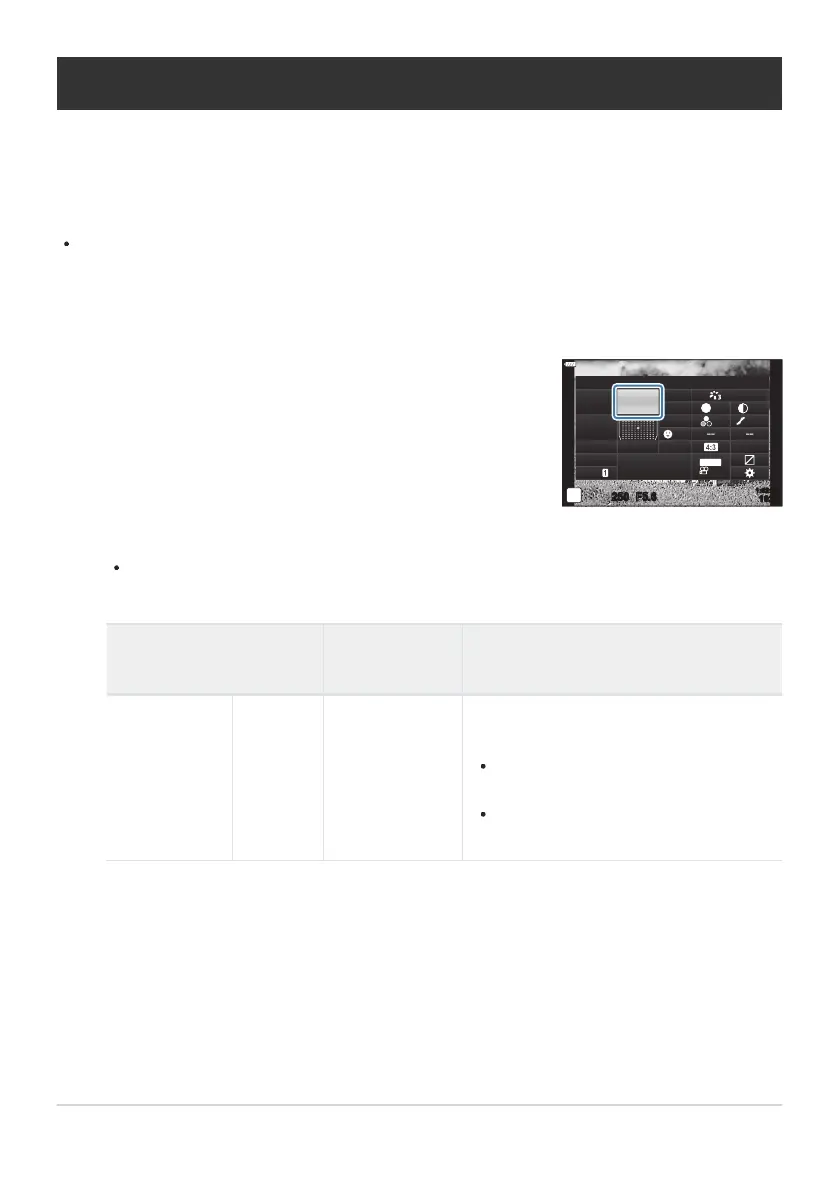
Use FGHI to select
[WB].
K
W
B
sRGB
Natural
S
Normal
WB
Auto
ISO
Auto
±
0
A
±
0
±
0 ±
0
±
0
G
±
0
250 F5.6
p
o
S
-
AF
Off
30
p
30
p
4K
S-IS Auto
Y
F
#
±
0.0
#
1023
1:02:03
M-IS
Adjusting color (WB (white balance))
White b
alance (WB) ensures that white objects in images recorded by the camera appear white.
[AUTO] is suitable in most circumstances, but other values can be selected according to the light
source when [AUTO] fails to produce the desired results or you wish to introduce a deliberate color
cast into your images.
Separate options can be selected for still photography and movie mode.
Press the OK button to display the LV super control panel.
Use the front dial to select an option.
One-touch white balance and custom white balance options can be viewed by pressing the
OK button followed by the INFO button.
WB mode
Color
t
emperatur
e
Light conditions
Auto white
balance
AUTO —
Most normal scenes (scenes containing
objects that are white or close to white)
This mode is recommended in most
situations.
You can choose the white balance used
under incandescent lighting (P. 132).
129
Adjusting color (WB (white balance))
1.
2.
3.



 To Next Page