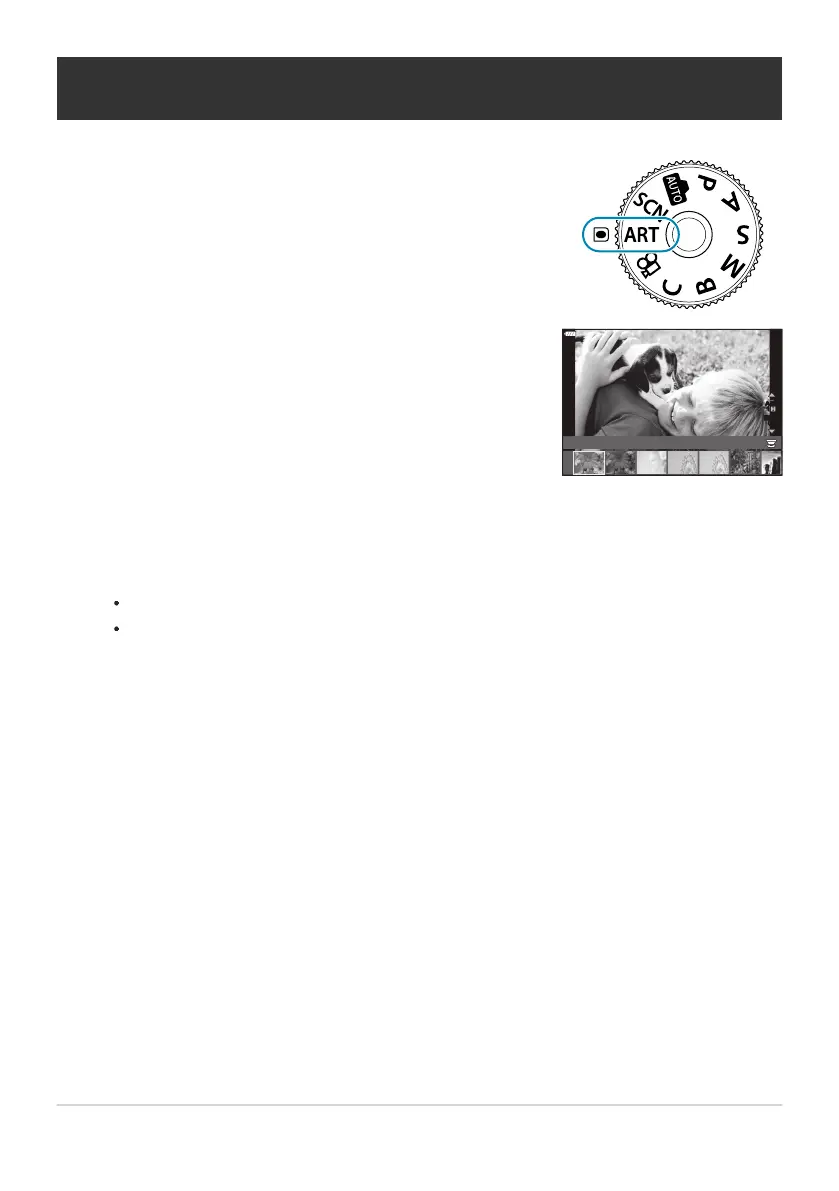
Rotate the mode dial to ART.
Use HI to highlight a filter.
Effect
Off
Pop Art 1
ART
1
ART
1
Using art filters (ART
mode)
Press G, highlight an effect using HI, and press the OK button.
Take pictures.
Press the OK button to choose a different art filter. If effects are displayed, press F.
The effects available vary with the selected filter (Soft Focus Effect, Pin Hole Effect, Frame
Effect, White Edge Effect, Star Light Effect, Color Filter, Monochrome Color, Blur Effect, or
Shade Effect).
73
Using art filters (ART mode)
1.
2.
3.
4.



 To Next Page