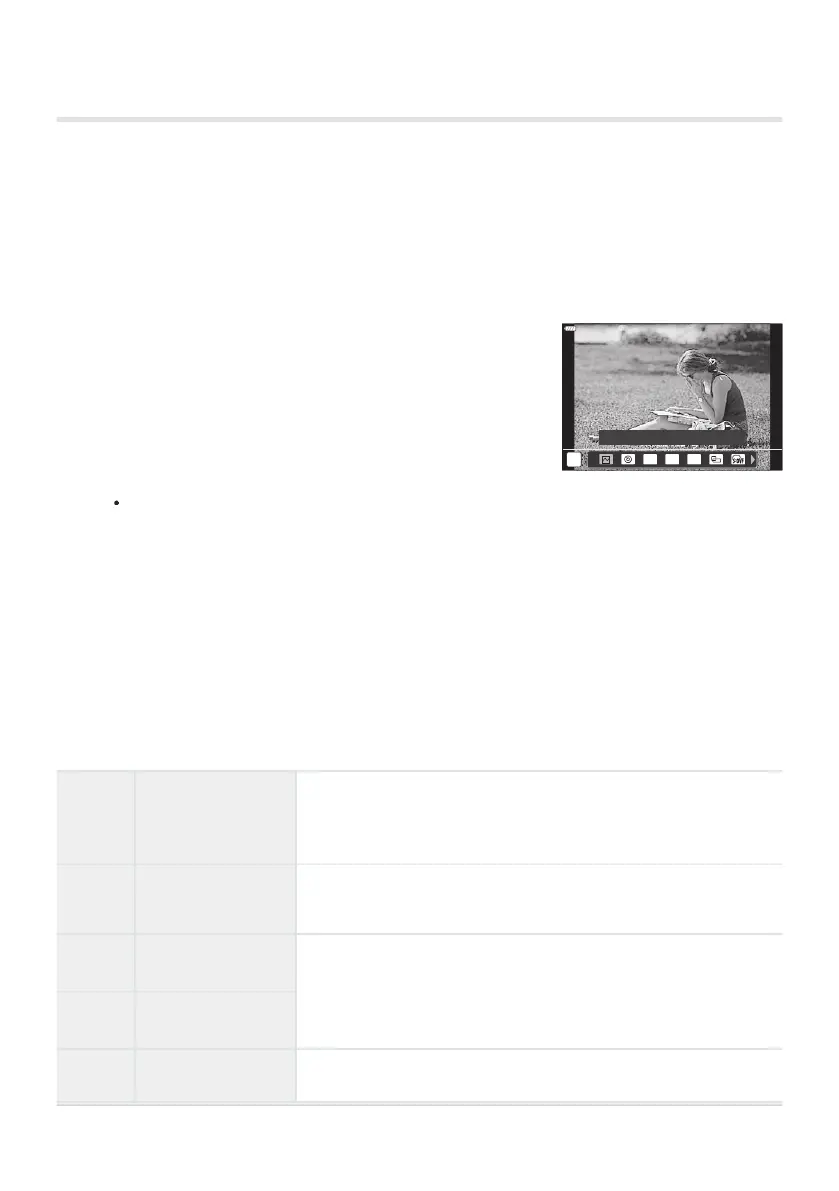
Hold the button to which [Multi Function] is assigned and
r
otat
e the front or rear dial.
ISO WB
a
Highlight&Shadow Control
Using multi function options (Multi Function)
Assign multiple roles t
o a single button.
To use the multi function feature, you must first assign [Multi Function] to a camera control.
g“Customizable Controls” (P. 167)
Choosing a function
Rotate the dial until the desired feature is highlighted. Release the button to select the
highlighted feature.
Press the button to which [Multi Function] is assigned.
Adjust settings.
[Multi Function] can be used to access the following features:
B
Highlight&
Shadow Control
Adjust brightness using the fr
ont or rear dial. Press the INFO
button to choose the tone range (highlights, shadows, or mid-
tones).
R
Color Creator
Use the front dial to adjust hue and the rear dial to adjust
saturation.
ISO
ISO
Choose a setting using the front or rear dial.
WB
WB
8
Magnify The zoom frame will be displayed.
176
Assigning functions to buttons (Button Function)
B
1.
2.
3.



 To Next Page