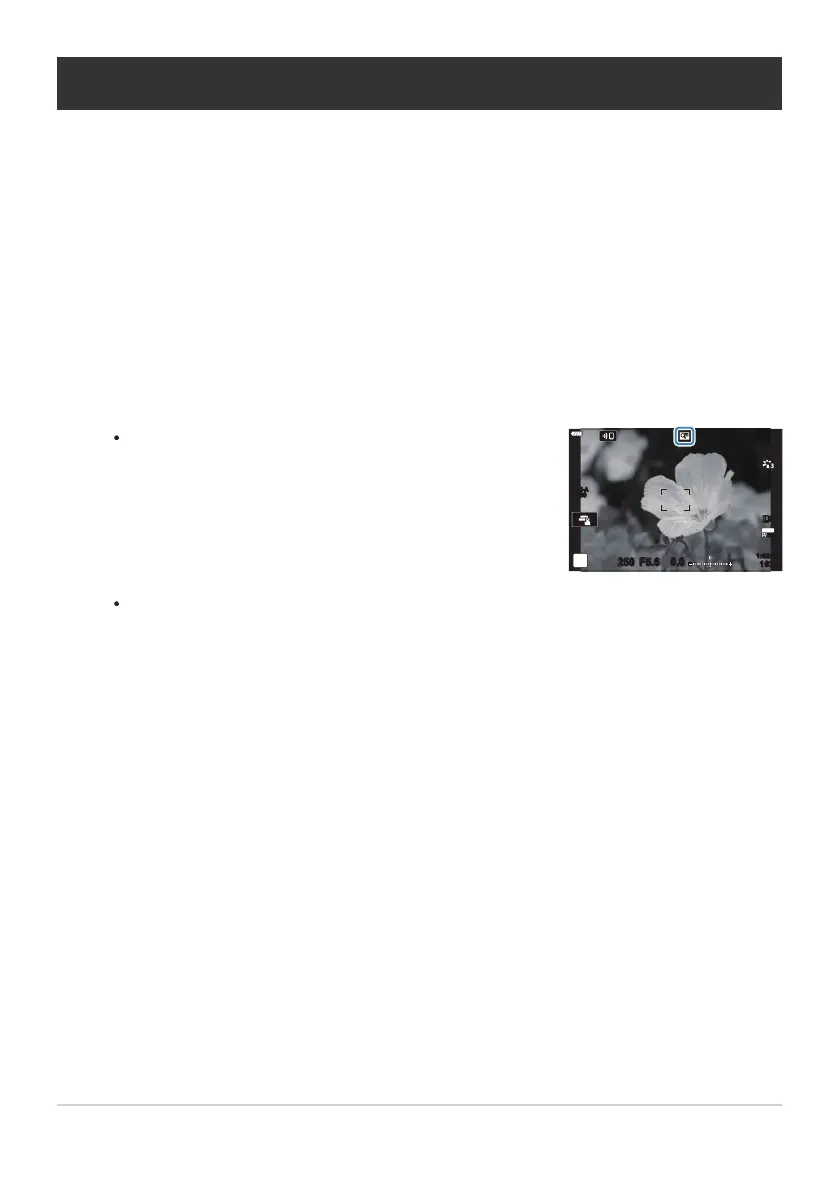
When [On] is selected, the zoom ratio incr
eases by 2× and
S icon is displayed. The number of available AF targets
(P. 91) decreases and their size increases.
S-IS AUTOS-IS AUTO
250 F5.6
0.0
30
p
30
p
4K
YFYF
ISO-A
200
Digital Zoom (Digital Tele-converter)
This option takes a cr
op at the center of the frame the same dimensions as the size option currently
selected for image quality and zooms it in to fill the display. The zoom ratio increases by about 2×. This
allows you to zoom in past the maximum focal length of the lens, making it a good choice when you
are unable to switch lenses or find it difficult to get any closer to your subject.
Select [Digital Tele-converter] in 6Shooting Menu 1, and press the OK button.
Highlight [On], and press the OK button.
Press the MENU button to exit the menus.
JPEG images are recorded at the selected zoom ratio. In the case of RAW images, a frame
shows the zoom crop. A frame showing the zoom crop is displayed on the image during
playback.
The digital teleconverter cannot be used with multiple exposure, keystone compensation, fisheye
correction, or the SCN mode panorama option.
[Movie A] cannot be used with the digital teleconverter.
208
Digital Zoom (Digital Tele-converter)
1.
2.
3.
C
C



 To Next Page