Selfie Assist (Selfie Assist)
MENU Q C Q k Q [Selfie Assist]
Choose the display used when the monitor is r
eversed for self-portraits.
On
When reversed for self-portraits, the monitor shows a mirror image of the view through the
lens.
Off The display does not change when the monitor is reversed.
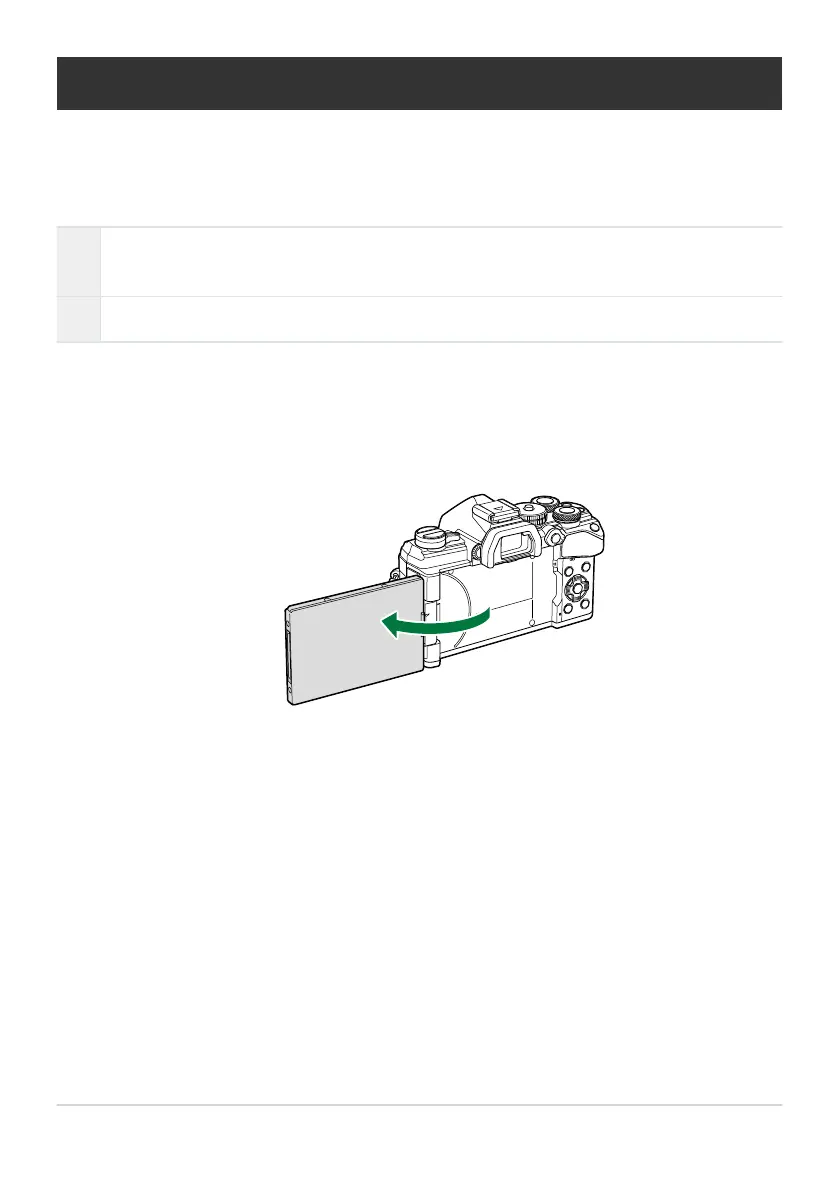
Select [On] for [Selfie Assist] in CCustom Menu k.
Turn the monitor towards you.
336
Selfie Assist (Selfie Assist)
1.
2.



 To Next Page