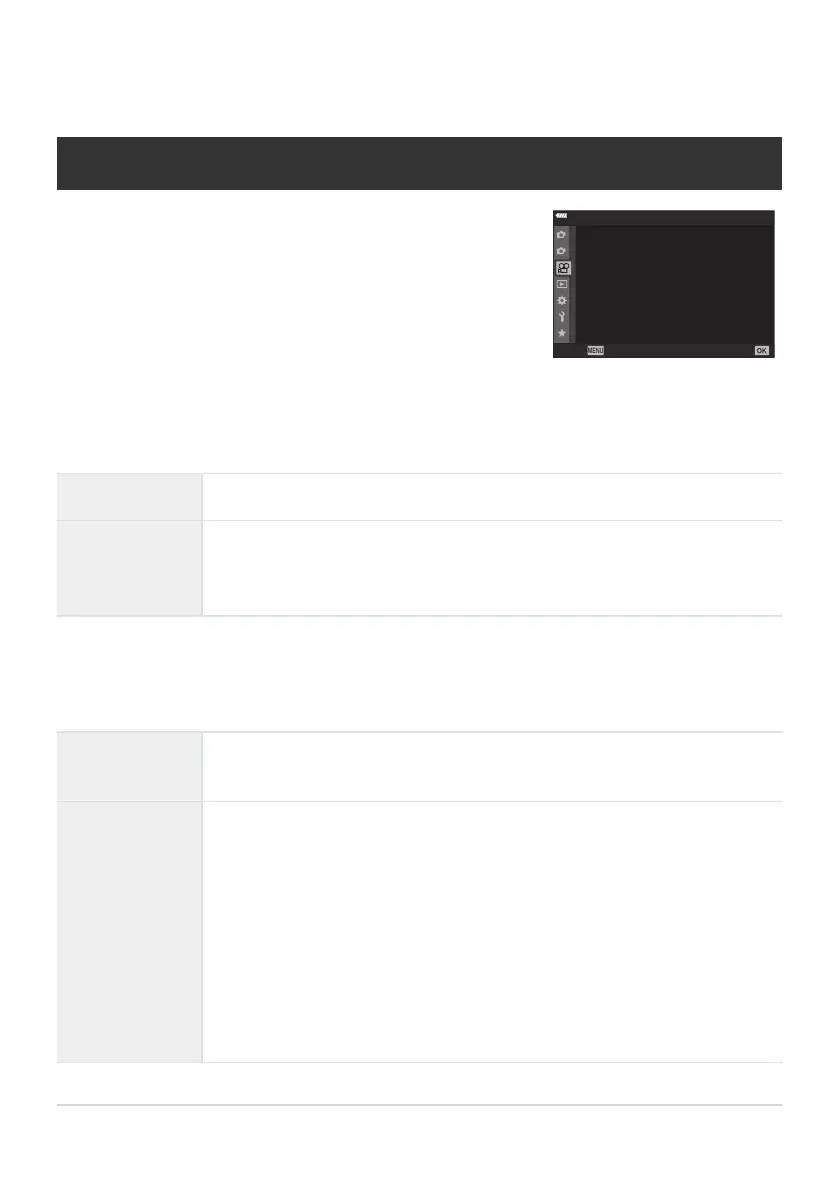
Movie recording functions are set in the Video Menu.
1
2
On
Video Menu
Back
Set
n
Button/Dial/Lever
n
AF/IS Settings
n
Specification Settings
n
Mode Settings
n
Display Settings
Movie R
n
HDMI Output
Using the Video Menu
The Video Menu
nMode Settings
Adjust settings for movie r
ecor
ding.
nMode
Choose the exposure mode for movie recording (P
. 238
).
nFlicker Scan
Select
[On] to r
educe flicker caused by LED lighting. Rotate the front or rear
dial or use the FG buttons to choose the shutter speed at which flicker
reduction applies (P. 240).
nSpecification Settings
Adjust image quality for movies.
nX
Adjust compression, frame size, and bit-rate settings for movie recording
(P. 141
).
bISO-Auto
Set
Choose how the camera adjusts sensitivity when [AUTO] is selected for
[nISO] (P. 98).
[Upper Limit / Default]: Choose the maximum and standard ISO sensitivity
values available to auto ISO sensitivity control when [AUTO] is selected for
[nISO] in [nMode] (movie exposure mode) [M].
[bISO-Auto]: [AUTO] is available for [nISO] when [M] is selected for
[nMode] (movie exposure mode). Auto ISO sensitivity control settings can
be adjusted using [Upper Limit / Default].
233
The Video Menu



 To Next Page