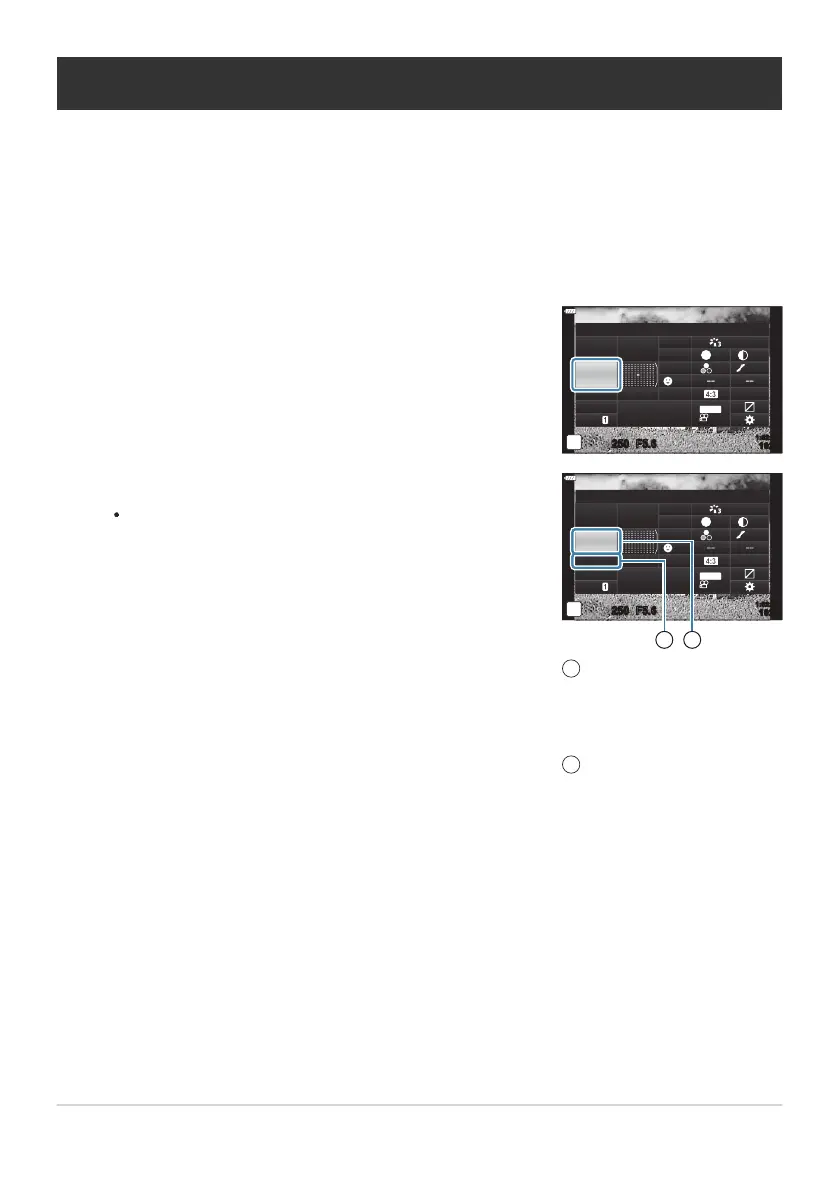
Highlight [Flash Mode] using the FGHI butt
ons.
Flash Mode
sRGB
Natural
S
Normal
WB
Auto
ISO
Auto
±
0
A
±
0
±
0 ±
0
±
0
G
±
0
250 F5.6
p
o
S
-
AF
Off
30
p
30
p
4K
S-IS Auto
Y
F
#
±
0.0
#
1023
1:02:03
M-IS
Use the front dial to select an option.
Flash settings can be accessed via the LV super contr
ol
panel.
sRGB
Natural
S
Normal
WB
Auto
ISO
Auto
±
0
A
±
0
±
0 ±
0
±
0
G
±
0
250 F5.6
p
o
S
-
AF
Off
30
p
30
p
4K
M-IS
S-IS Auto
Y
F
#
FULL
#
Manual
1023
1:02:03
F
lash Mode
1 2
Flash output (“manual
value” mode)
Flash int
ensity control
(other modes)
Flash mode
1
2
Choosing a Flash Mode (Flash Mode)
When taking pictures with a flash unit designed for use with the camera, y
ou can select a flash mode
using camera controls. Turning an attached flash unit on automatically limits the fastest available
shutter speed.
Press the OK button to display the LV super control panel.
149
Choosing a Flash Mode (Flash Mode)
1.
2.
3.



 To Next Page